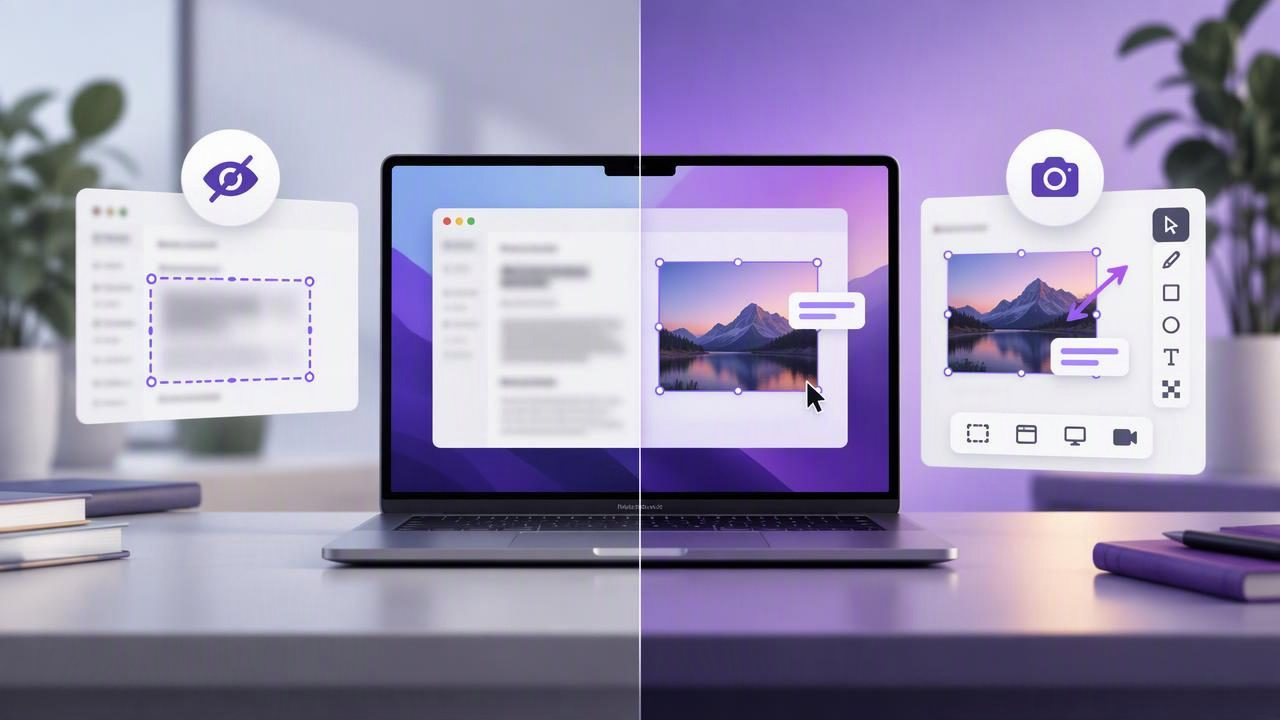
Screenshot Blur Tool vs CleanShot X: Which Mac Workflow Fits?
Compare a focused Mac screenshot blur tool with CleanShot X. Learn how privacy, annotations, capture options, and pricing shape your workflow.
October 16, 2026

Snip Halo is a focused native Mac screenshot app for macOS 14 and later. It captures a region or full display, then lets users add arrows, shapes, text, blur, and numbered steps before copying, saving, dragging, or optionally sharing through their own Google Drive. Captures and recent history stay local by default, there are no automatic uploads or background recording, and the lifetime license is sold directly for $9 for two Macs.
Visit website
Compare a focused Mac screenshot blur tool with CleanShot X. Learn how privacy, annotations, capture options, and pricing shape your workflow.
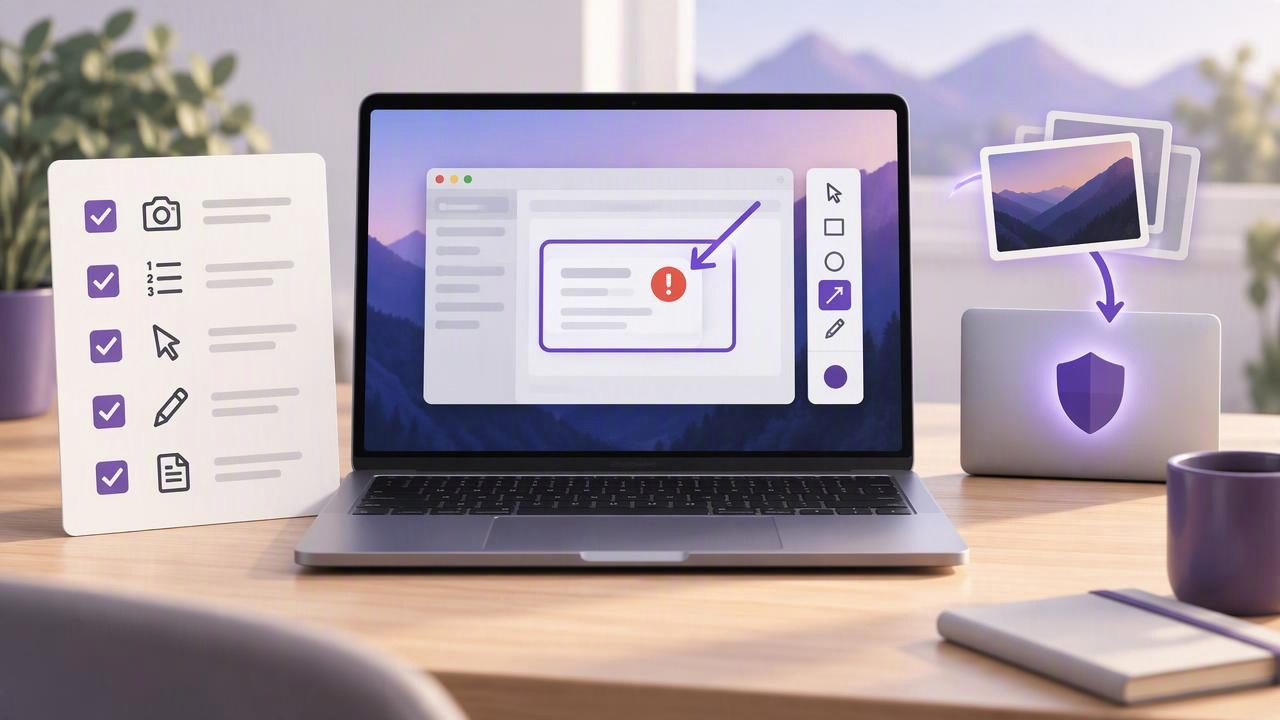
Create clearer bug reports with a practical screenshot checklist for Mac, including reproducible steps, useful annotations, and local-first privacy.
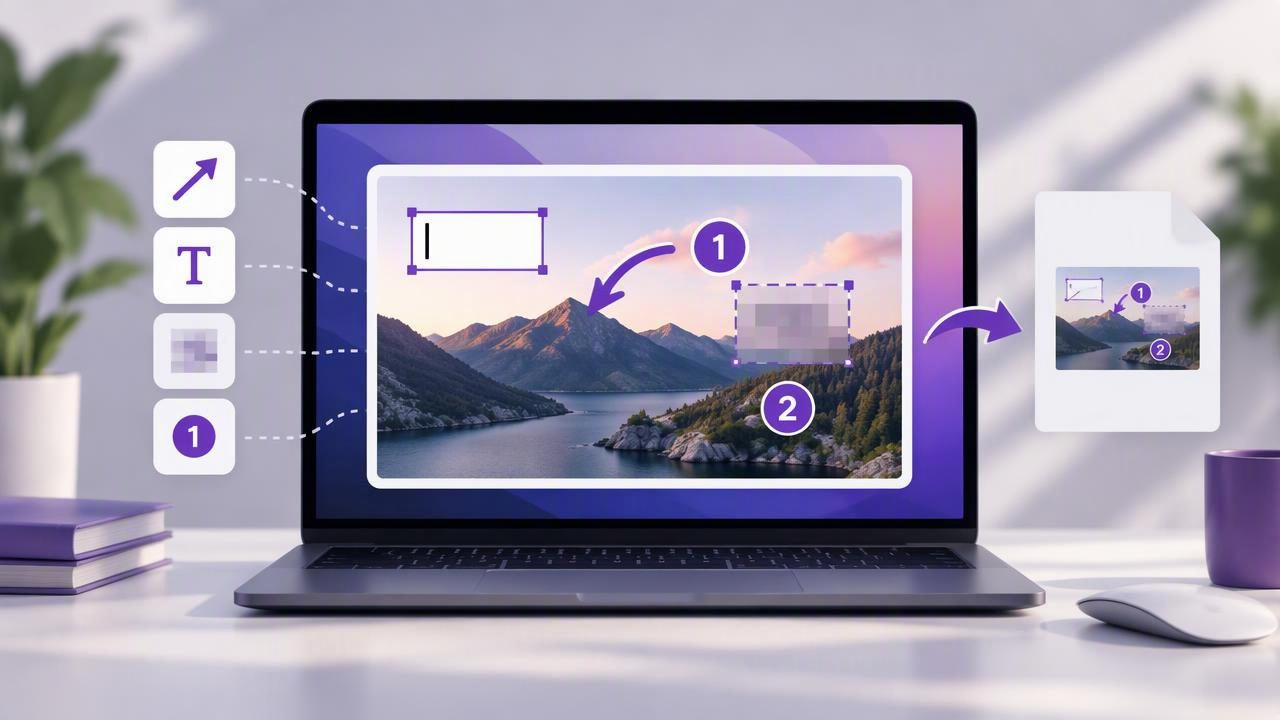
Learn how to add, revise, and export editable screenshot annotations on Mac without flattening your arrows, text, blur, or numbered steps too soon.
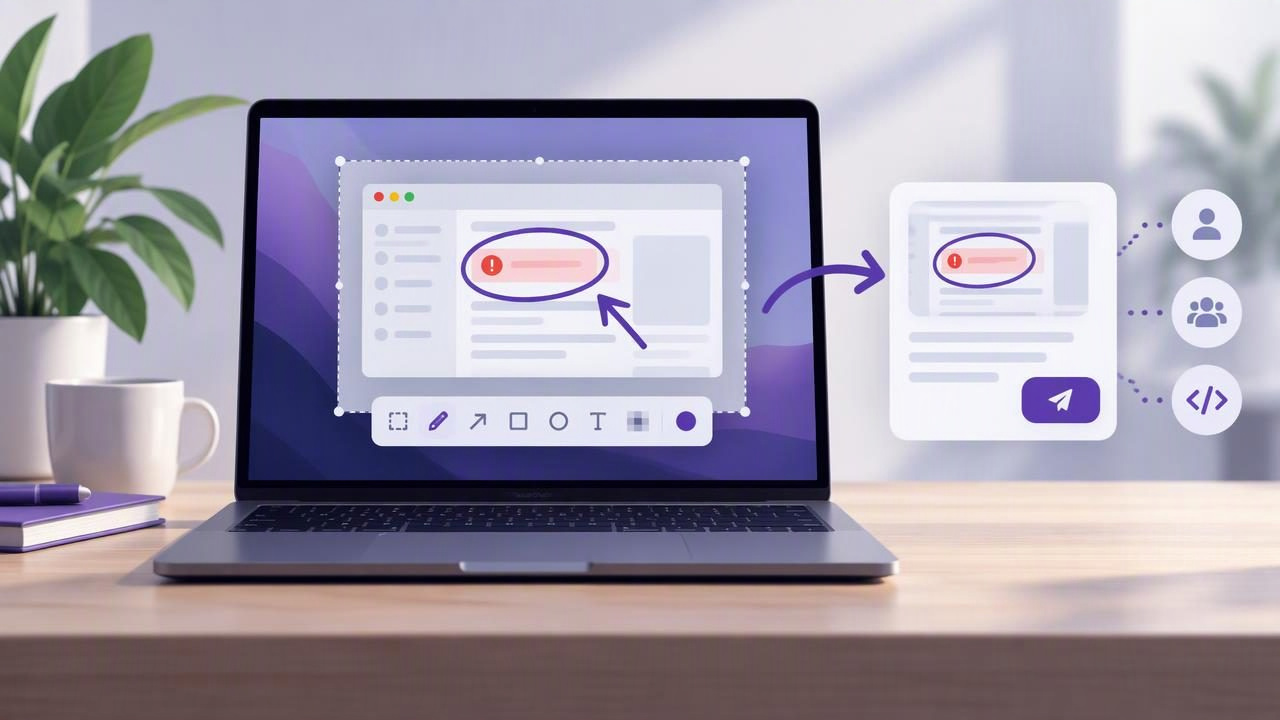
Learn how to capture, annotate, and share clearer Mac bug reports with a screenshot editor and a simple, privacy-aware workflow.
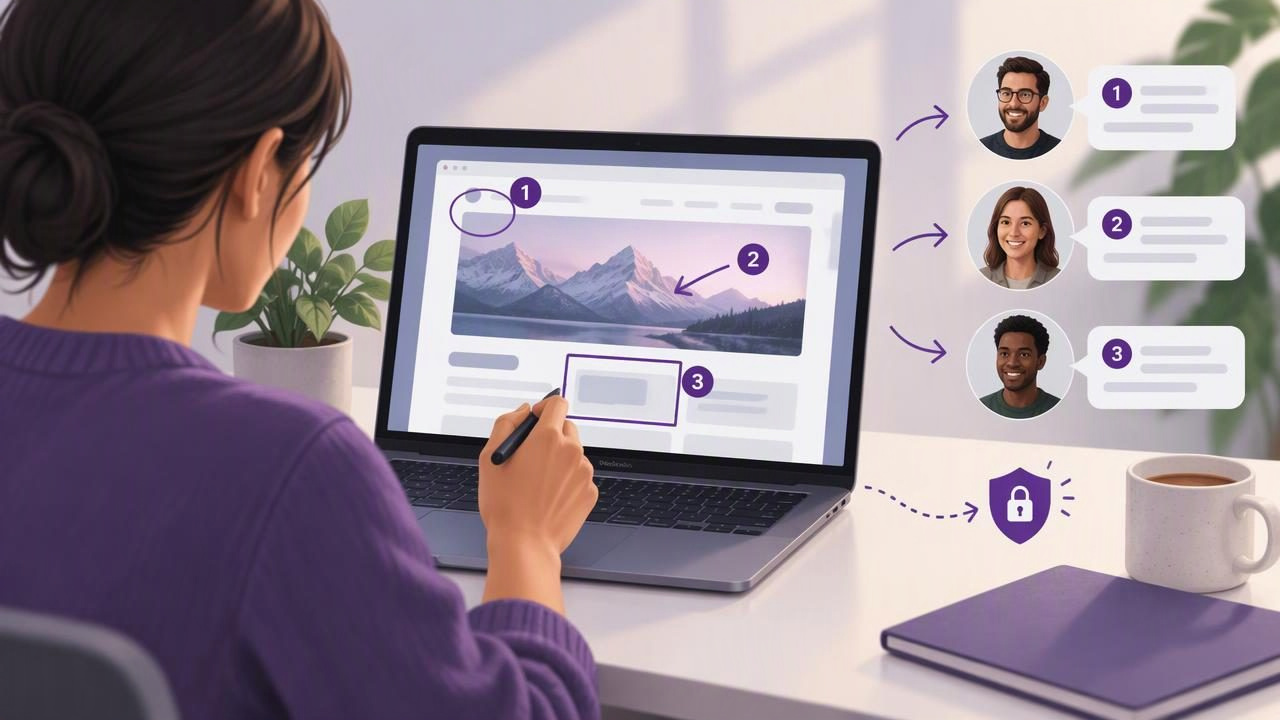
Learn how to send clear visual client feedback on Mac with annotated screenshots, numbered steps, and a simple privacy-conscious workflow.
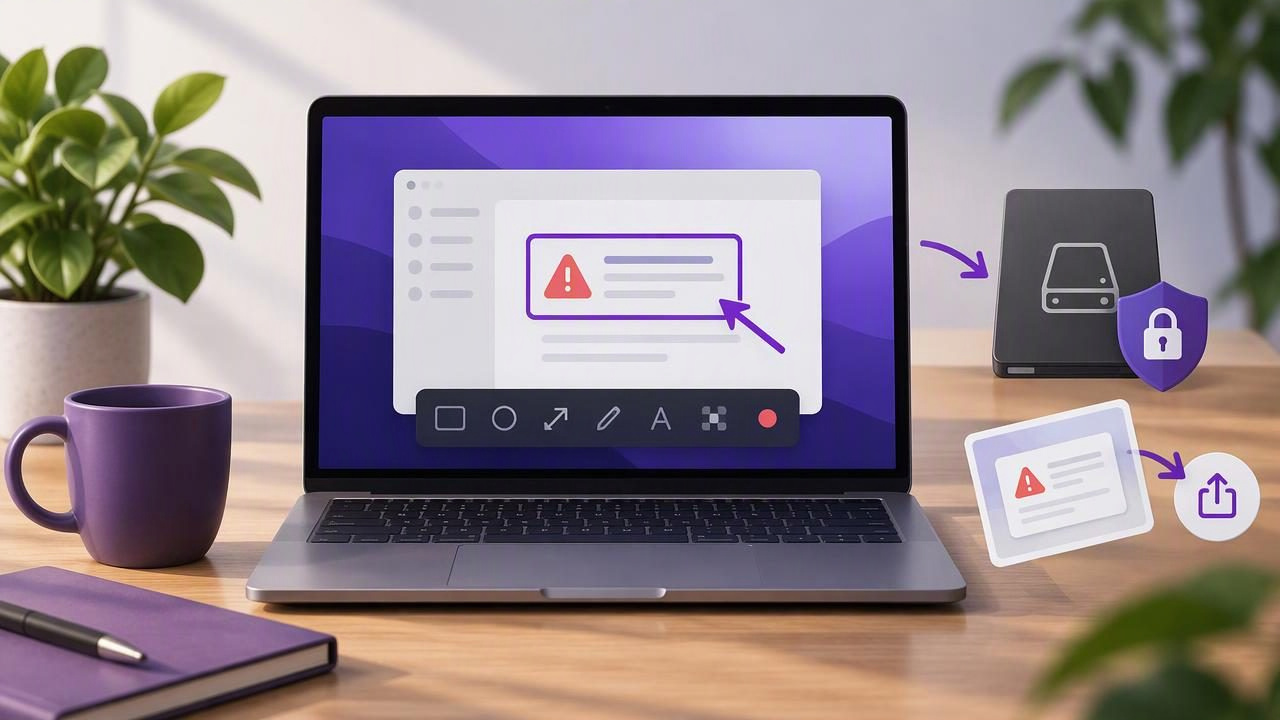
Learn how to choose a local-first Mac screenshot app for documenting software problems with clear annotations, private files, and simple sharing.
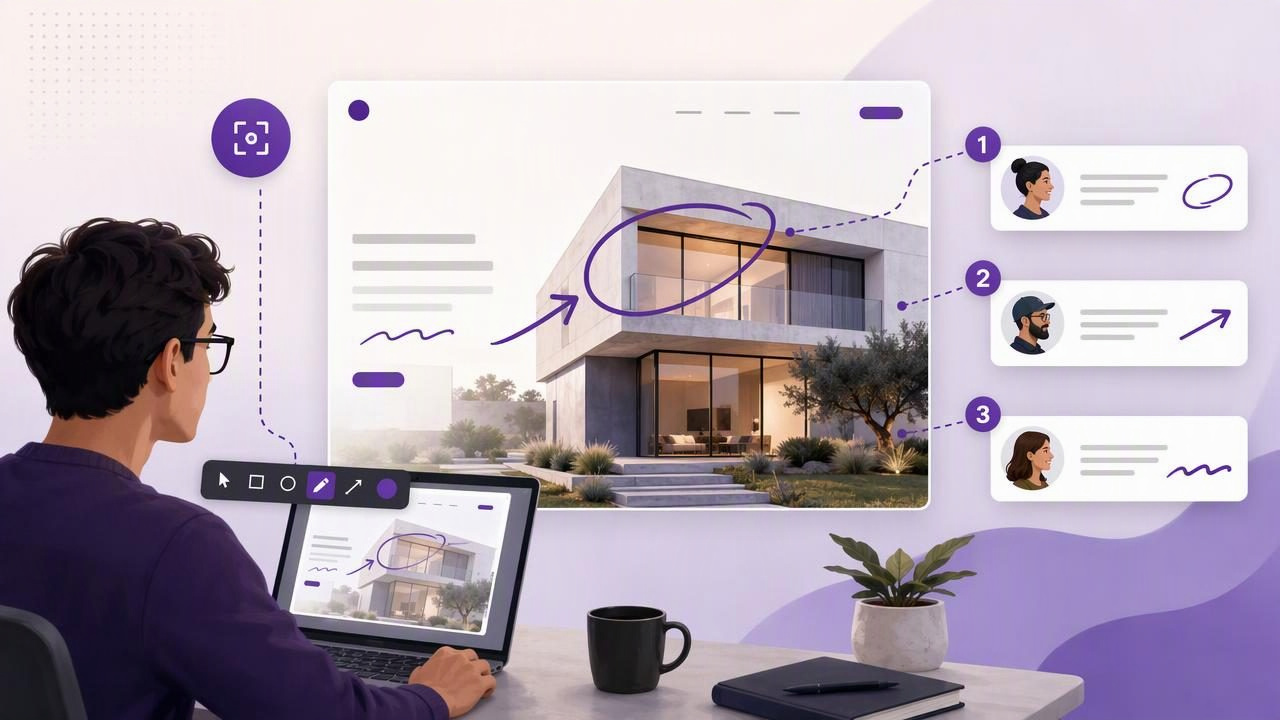
Learn how a full screen capture tool for designers improves visual feedback, handoffs, bug reports, and design reviews on Mac.
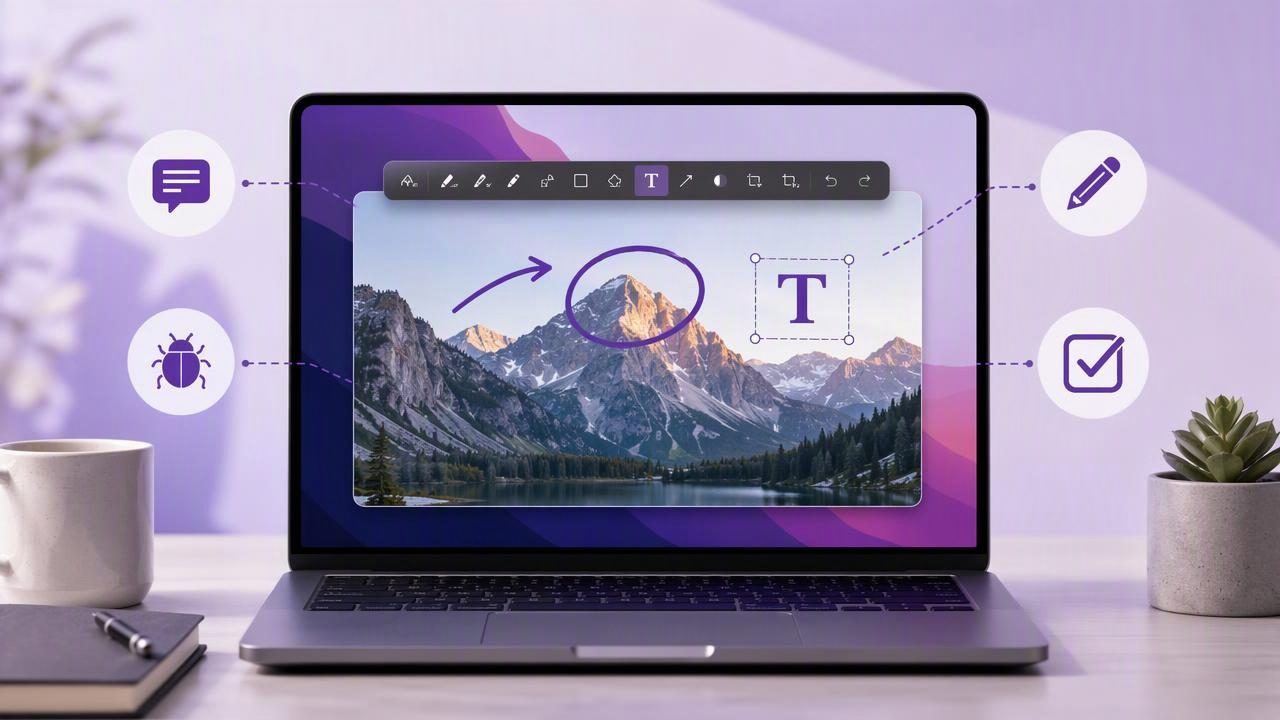
Learn how to write text on a screenshot on Mac with clear annotation tips for tutorials, bug reports, feedback, and visual instructions.
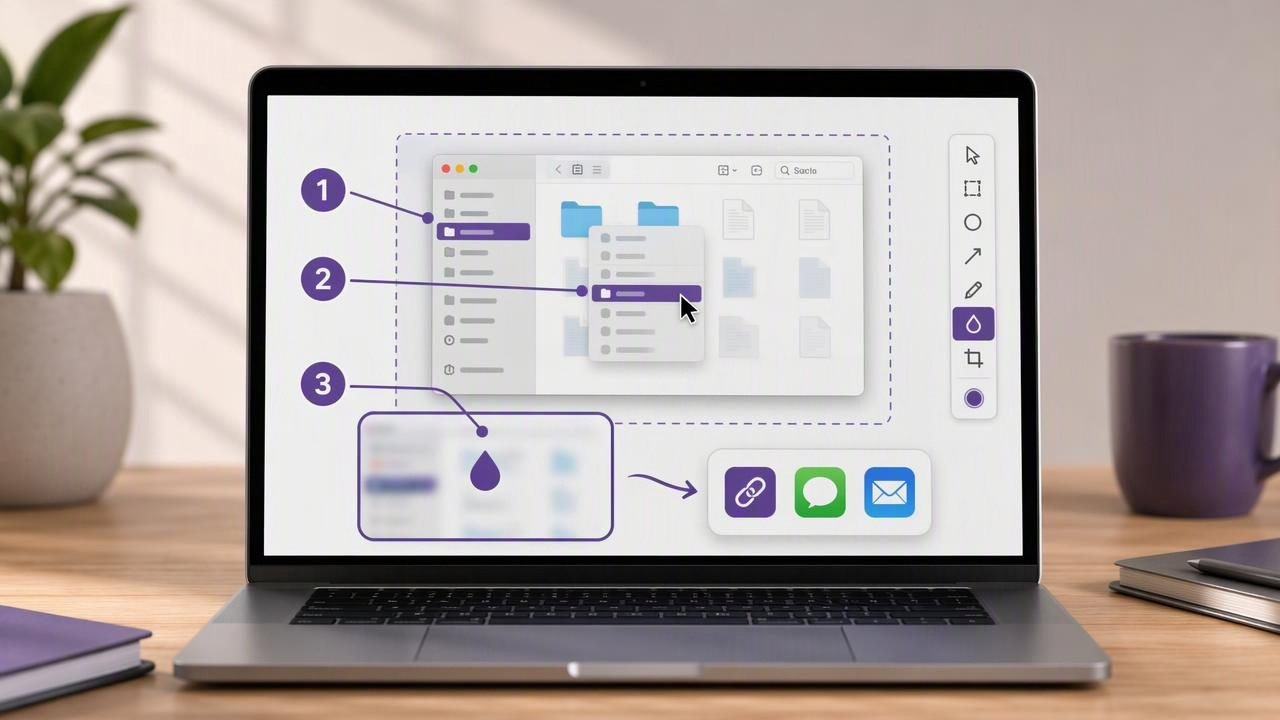
Learn how to create visual instructions on Mac with annotated screenshots, numbered steps, blur tools, and clear sharing workflows.
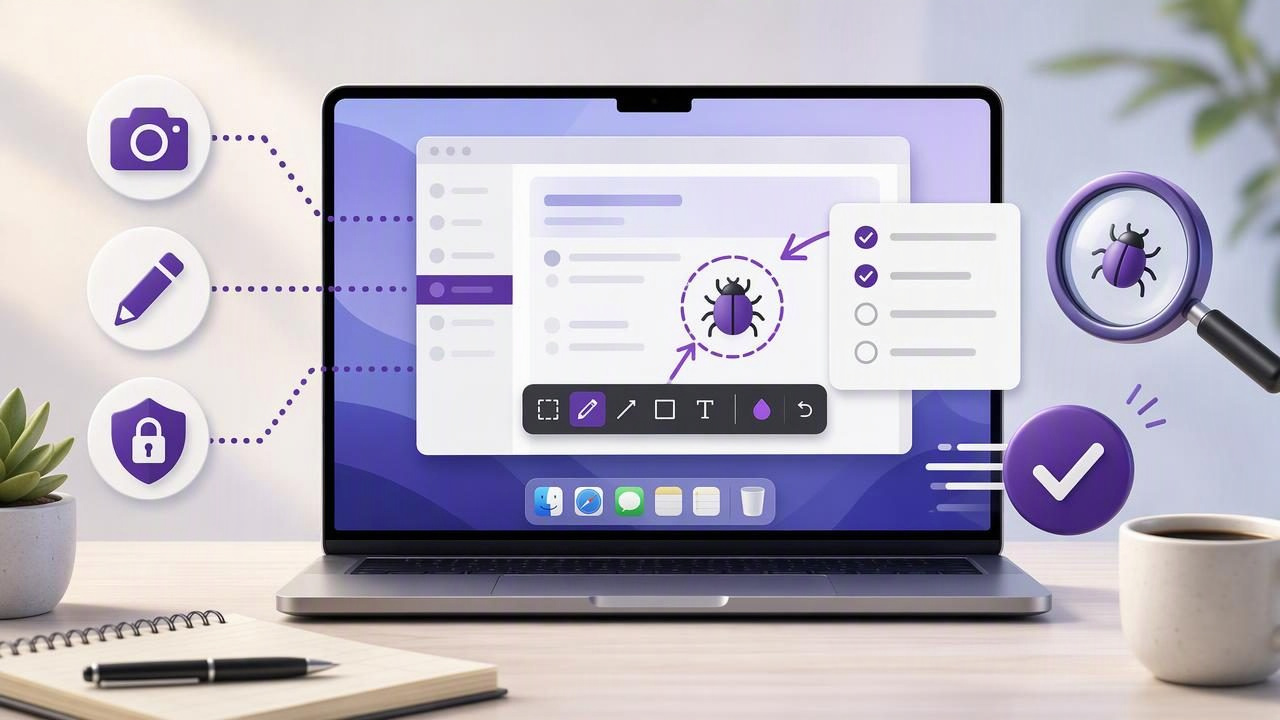
Learn beginner-friendly bug report screenshot app tips for Mac: capture issues, annotate clearly, protect privacy, and speed up fixes.
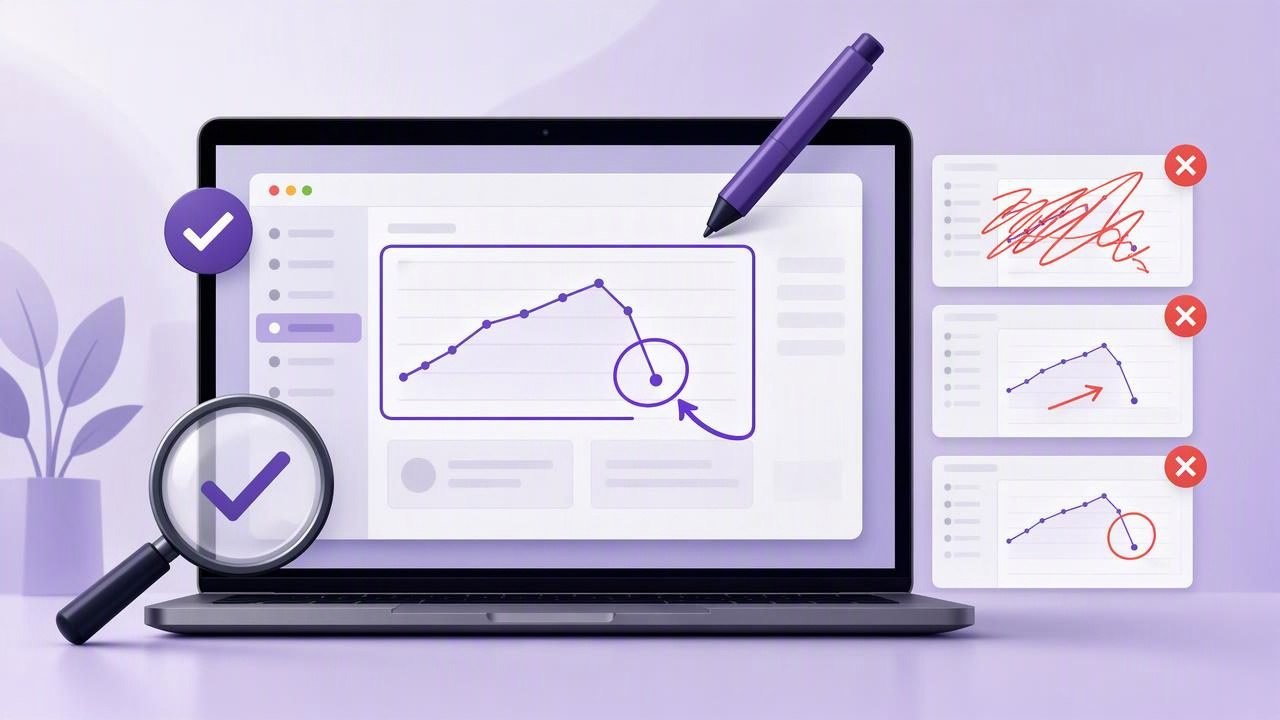
Avoid common screenshot annotation tool mistakes and create clearer bug reports, tutorials, feedback, and visual instructions on Mac.
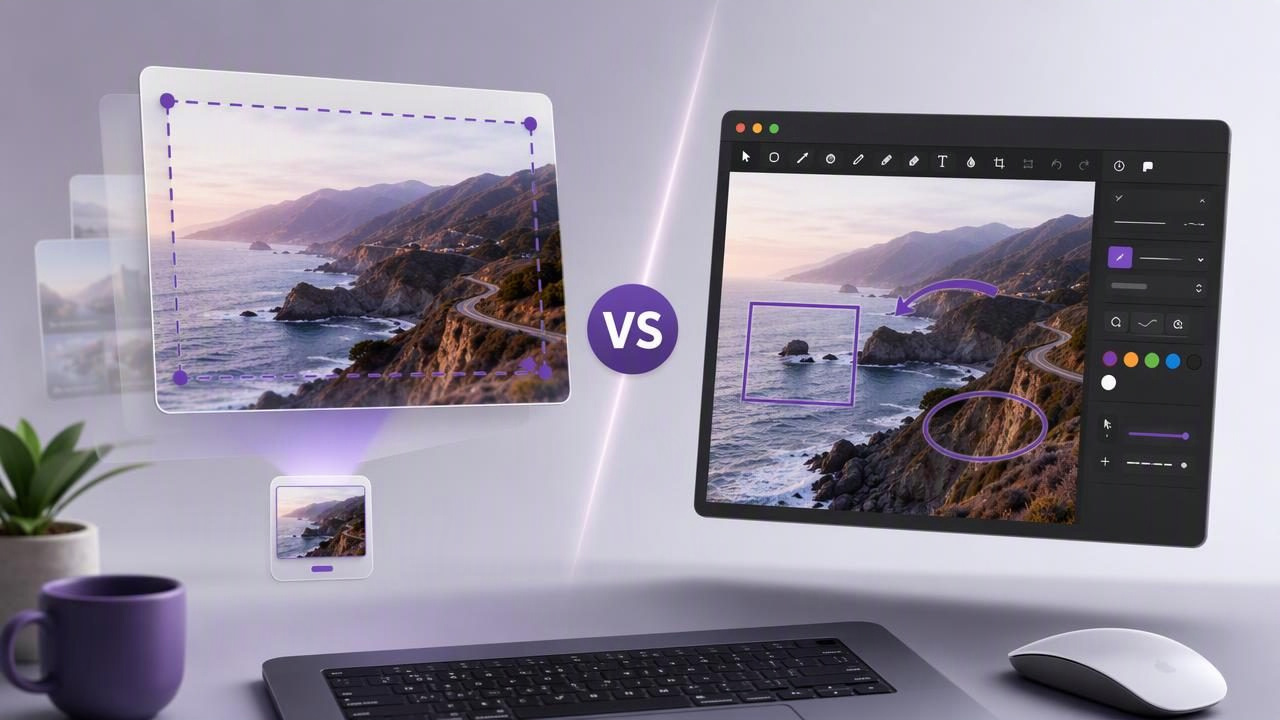
Compare floating screenshot previews vs Monosnap for faster Mac captures, annotation, privacy, sharing, and everyday visual workflows.
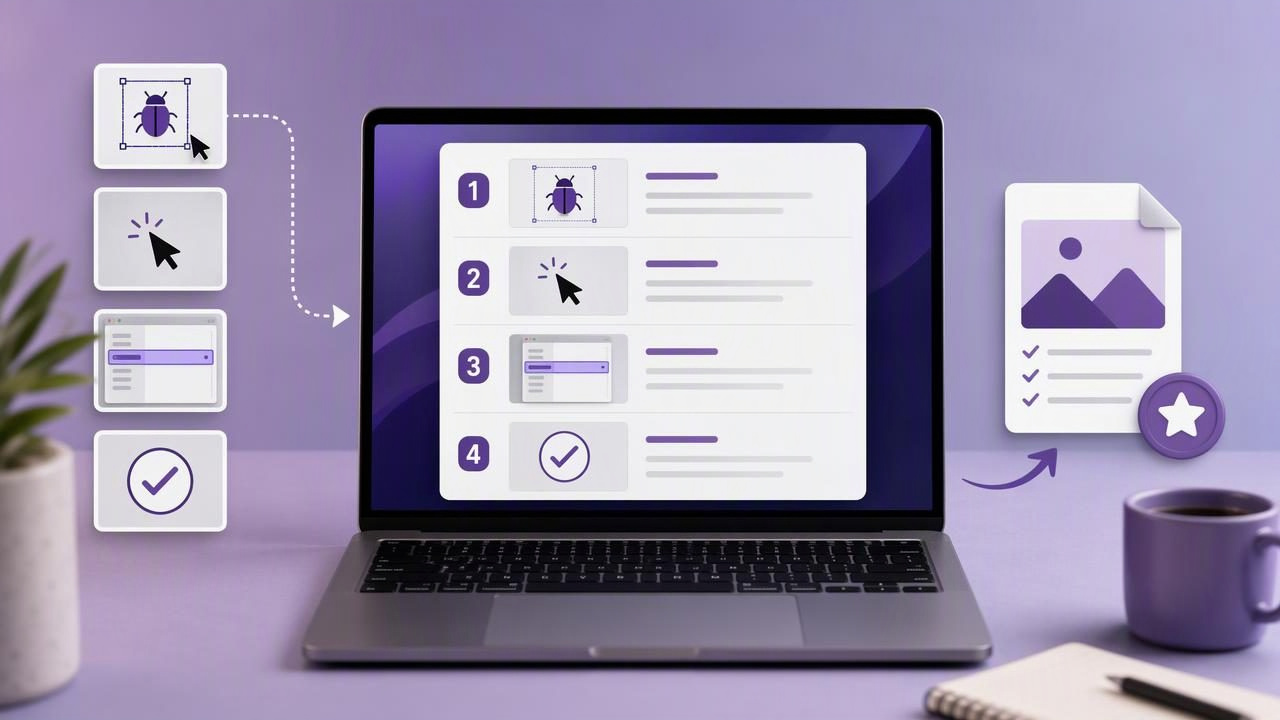
Learn how to add numbered steps to an image checklist with a one-time purchase Mac app for clearer tutorials, bug reports, and feedback.
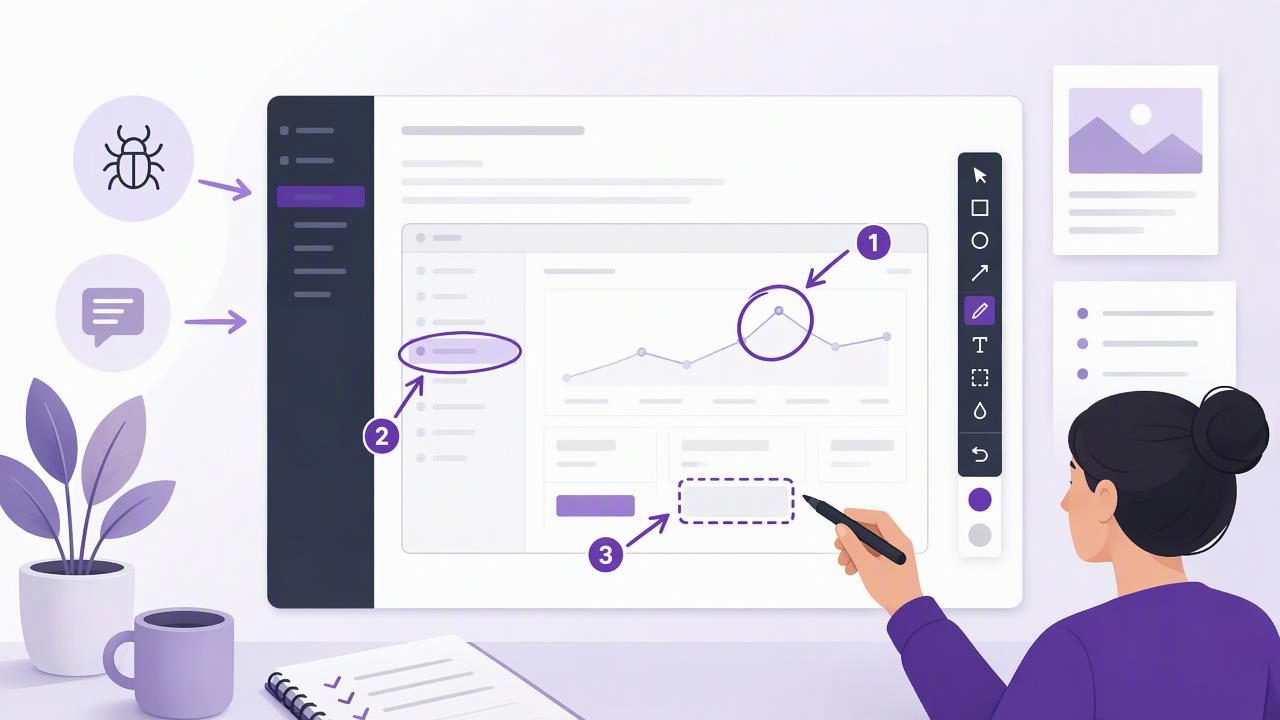
Learn how to choose and use a screenshot annotation tool for clearer technical documentation, bug reports, tutorials, and feedback.
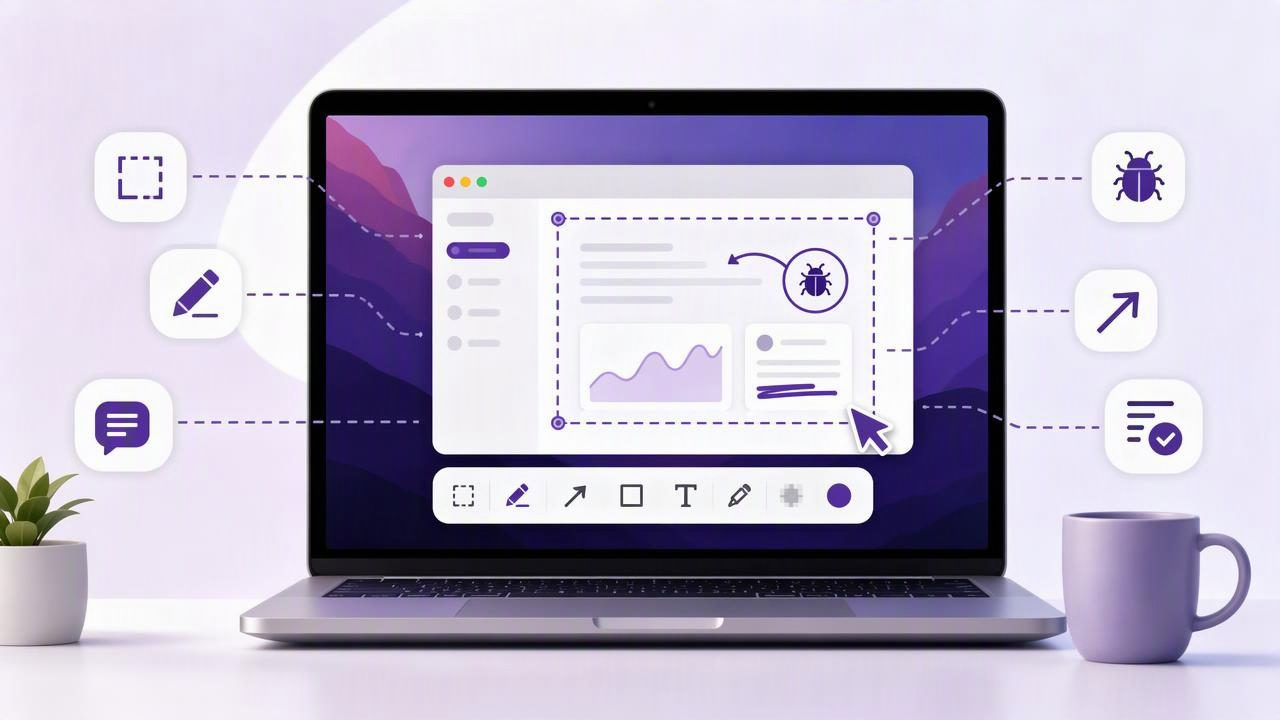
Learn how to use a Mac screenshot app to create clearer bug reports, tutorials, feedback, and visual instructions with annotations.
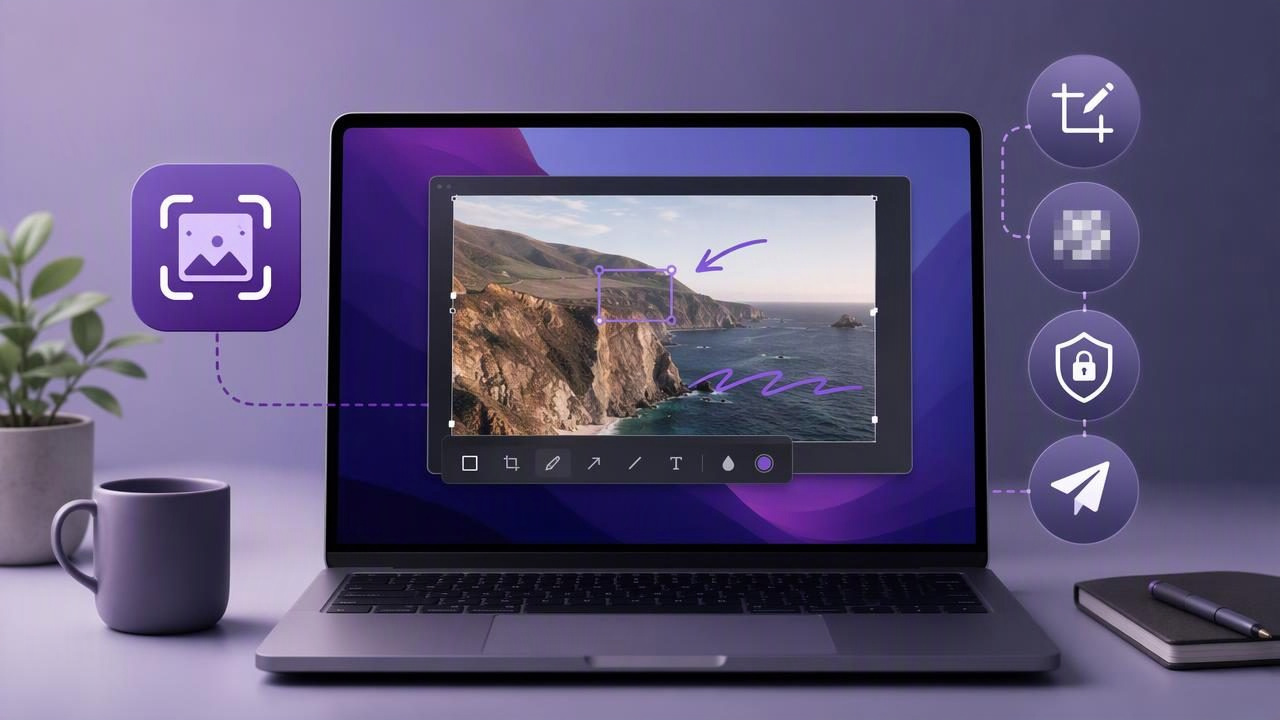
Build faster, private subscription-free screenshot workflows on Mac with capture, annotation, blur, and sharing best practices.
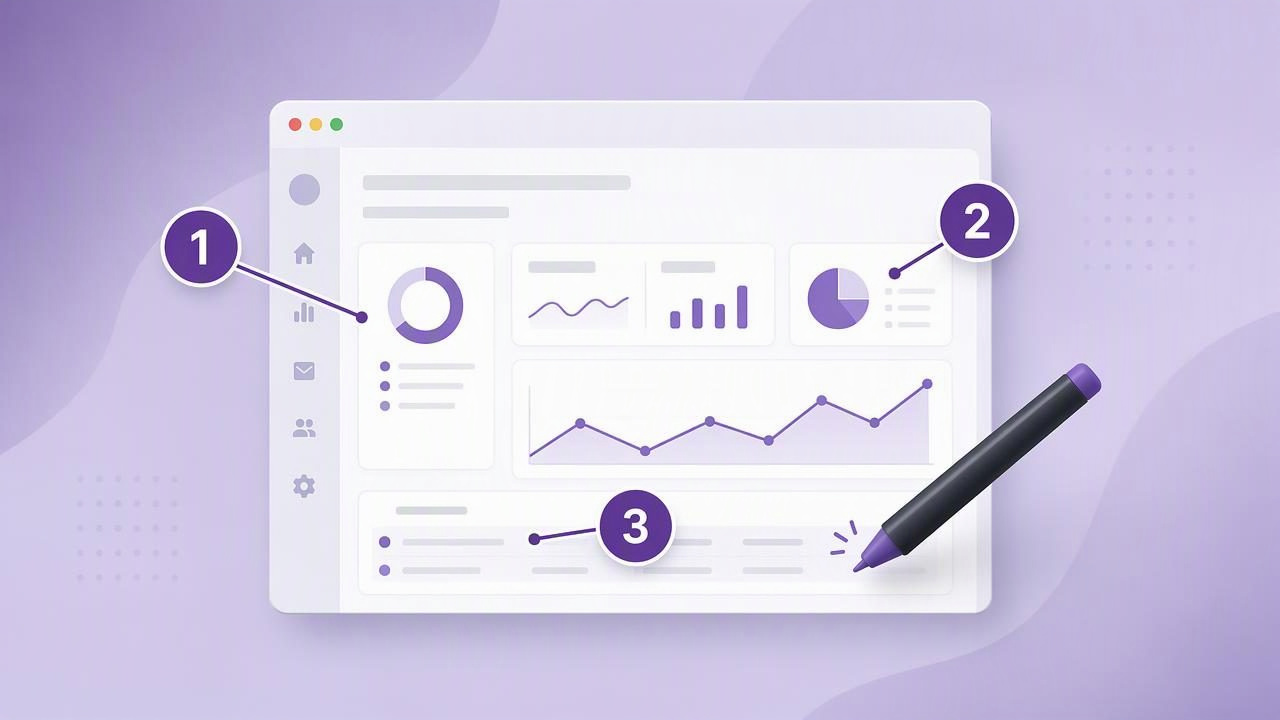
Learn how to add numbered steps to an image with a screenshot annotation tool for clearer tutorials, bug reports, feedback, and guides.
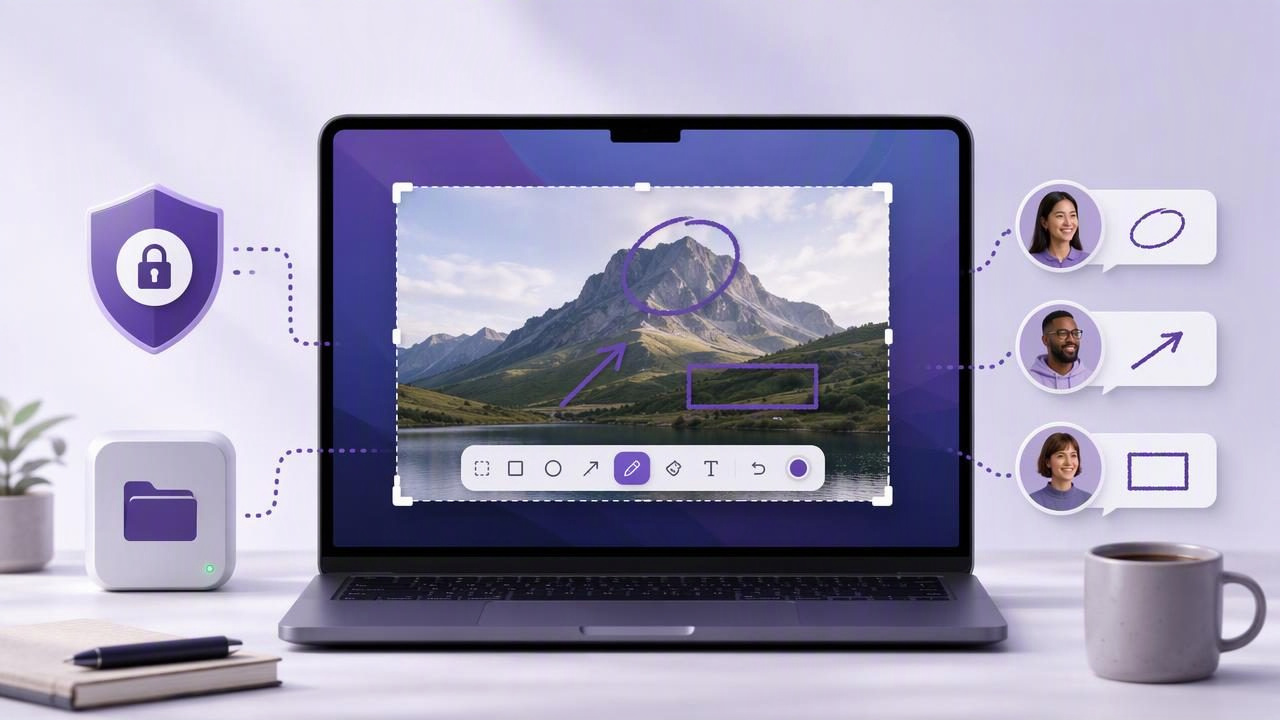
Learn how to choose a local-first Mac screenshot app for secure, clear, and actionable visual client feedback.
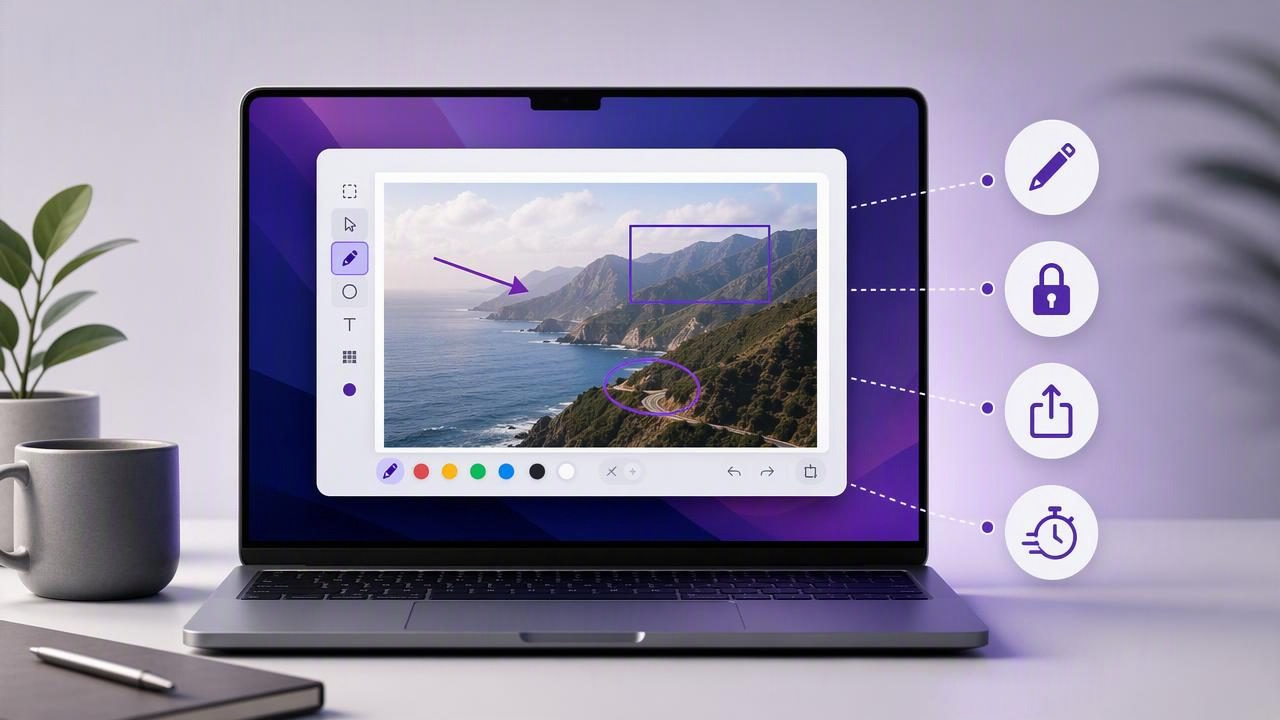
Learn how to choose a Mac screenshot editor for Mac users, with practical criteria for annotation, privacy, sharing, and workflow speed.
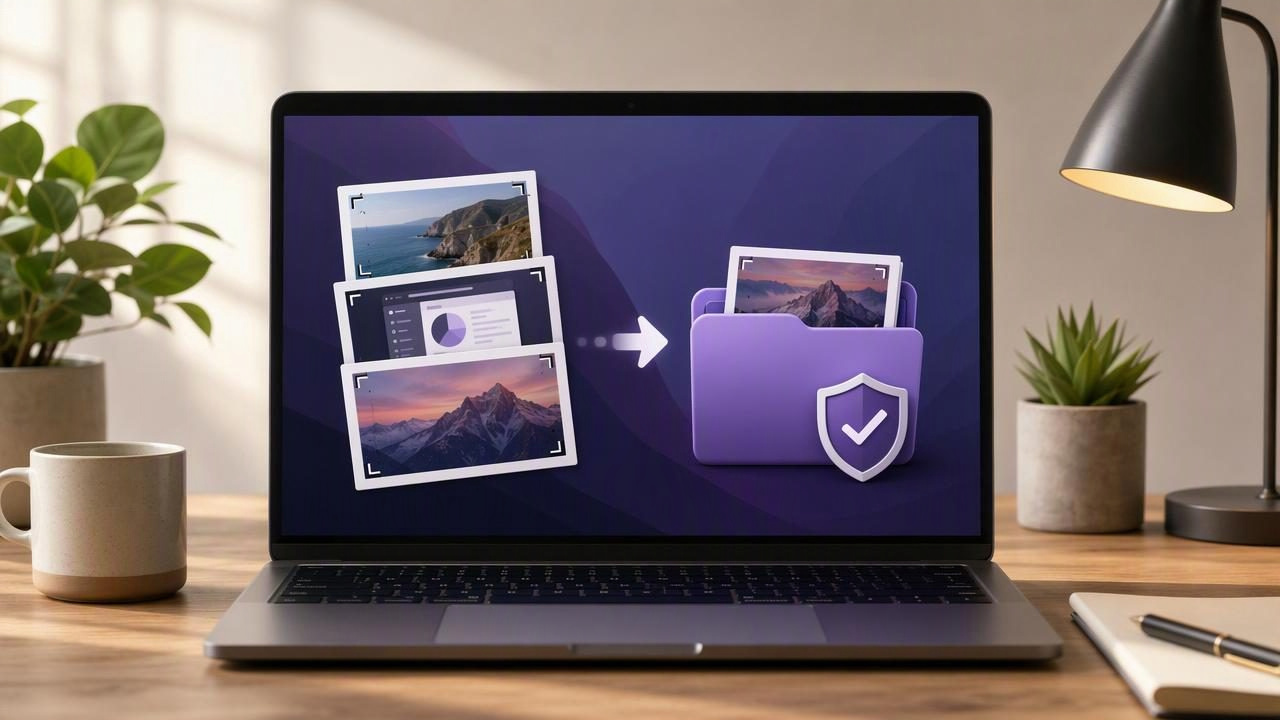
Learn how to keep recent screenshots locally on Mac, organize captures privately, manage screenshot history, and avoid unwanted cloud uploads.
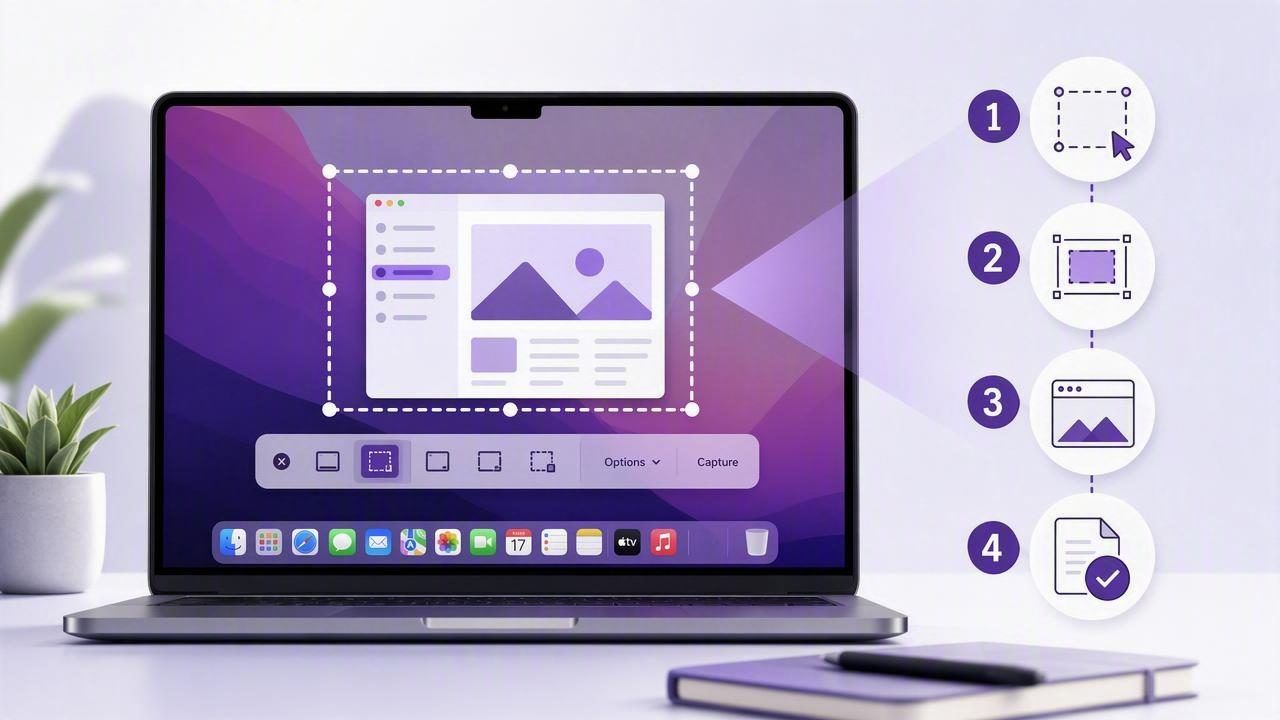
Learn how to use a Mac screenshot tool with numbered steps for clearer tutorials, bug reports, feedback, and visual instructions.
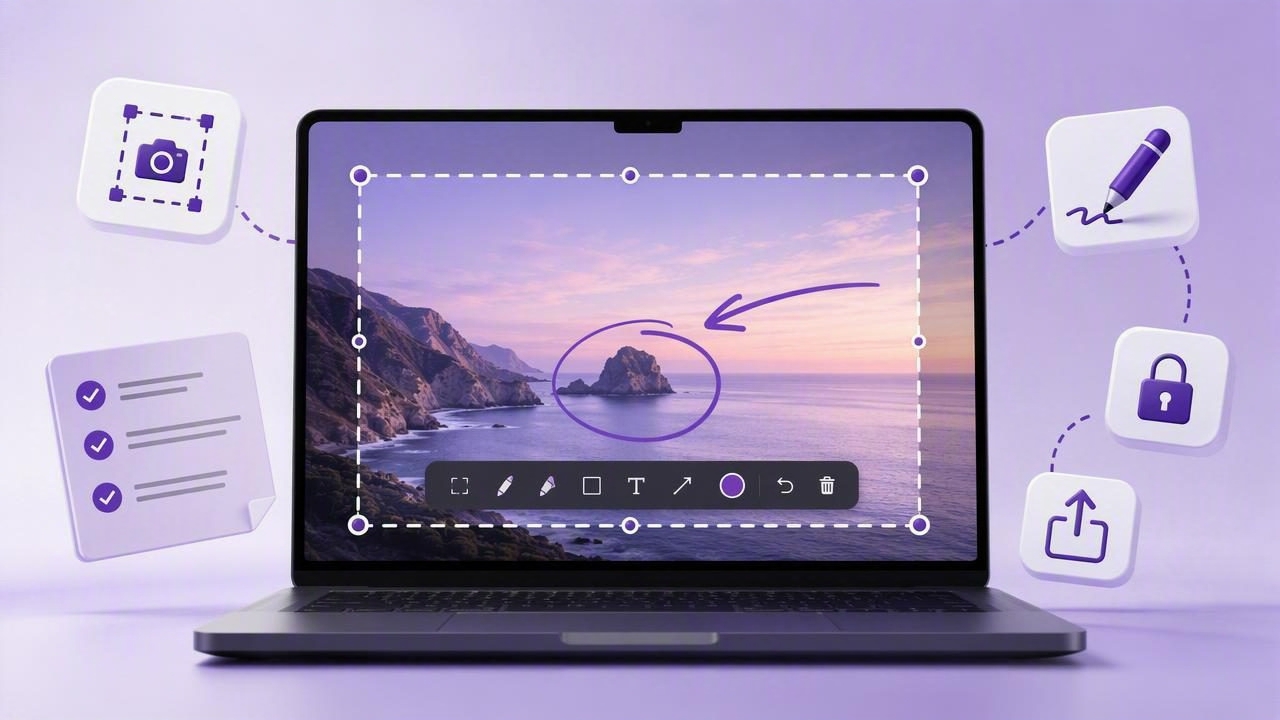
Learn practical full screen capture tool tips for beginners, from cleaner screenshots and annotations to privacy-safe sharing on Mac.
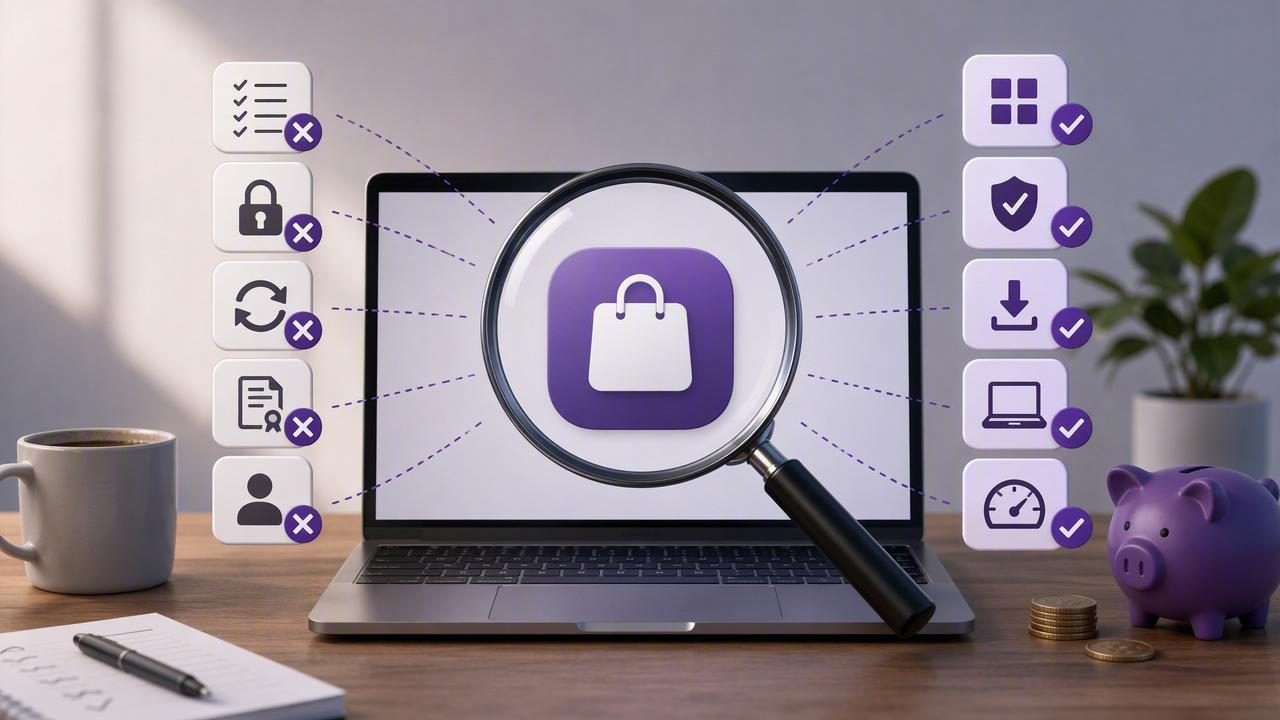
Avoid costly one-time purchase Mac app mistakes. Learn how to compare features, privacy, updates, licensing, and real workflow value.
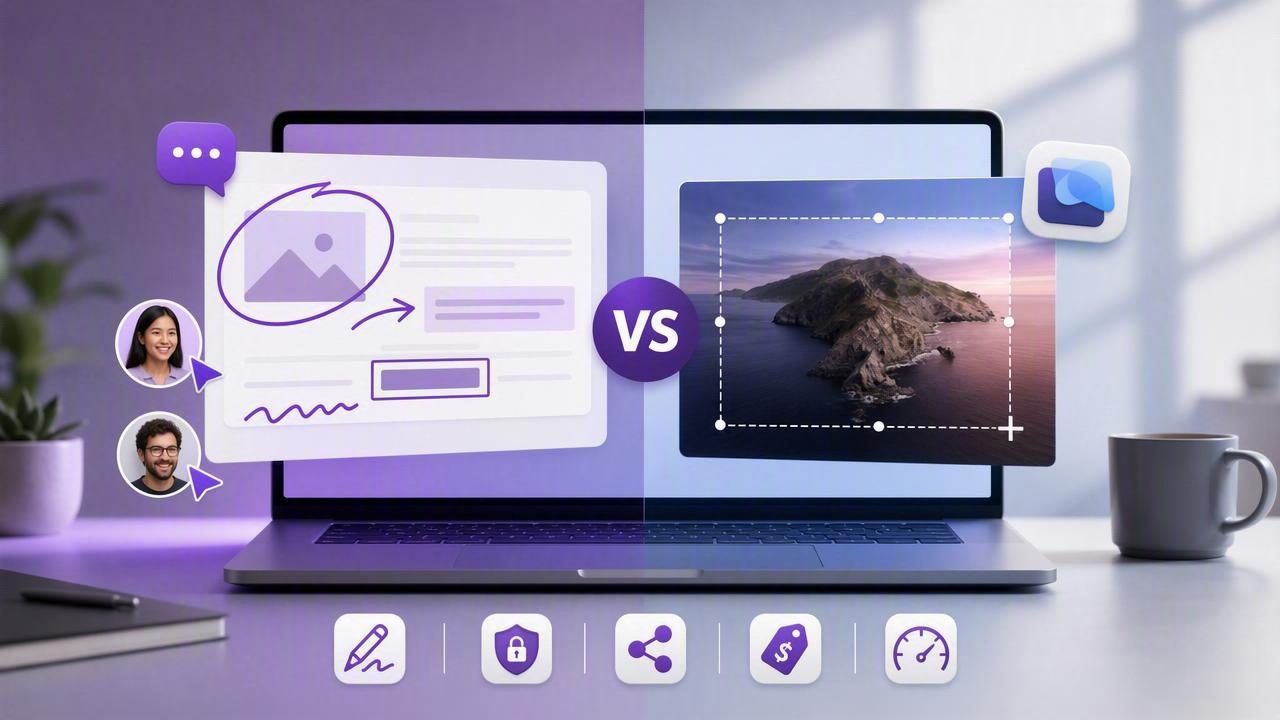
Compare a visual feedback tool vs CleanShot X for Mac: annotation, privacy, sharing, pricing, and better screenshot workflows.
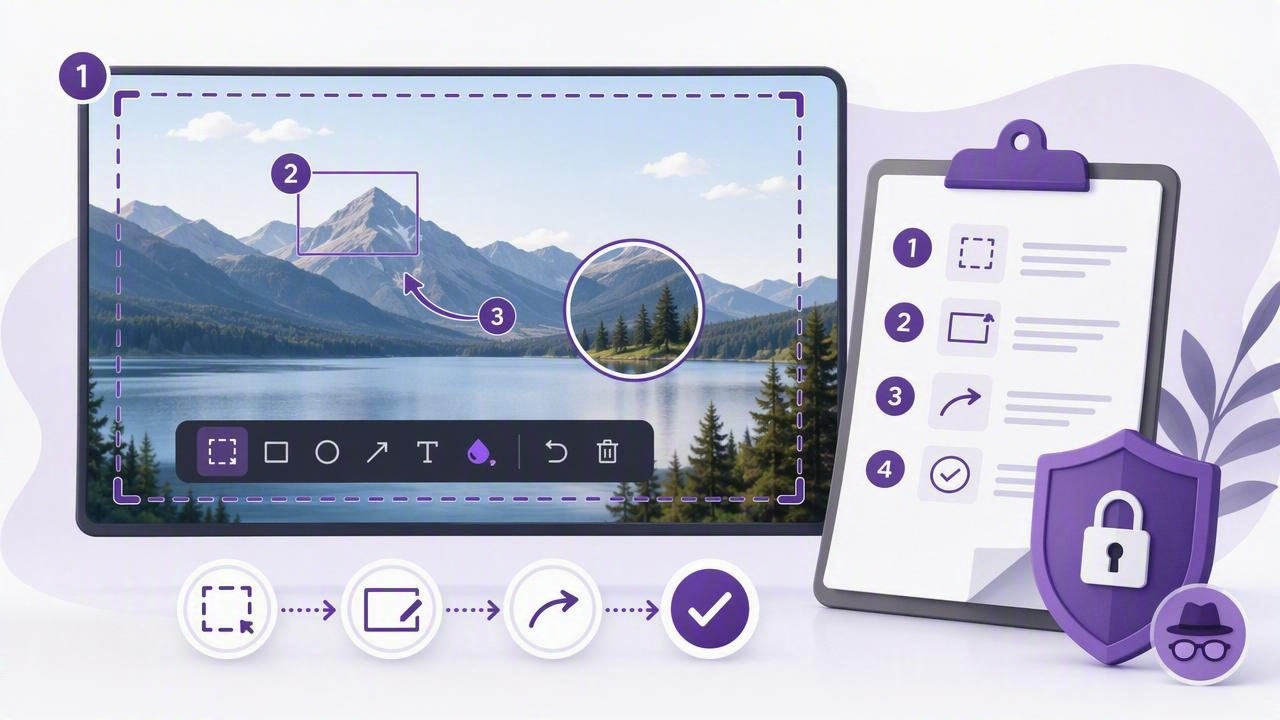
Create clearer guides with this step-by-step tutorial checklist using a full screen capture tool, annotations, numbered steps, and privacy tips.
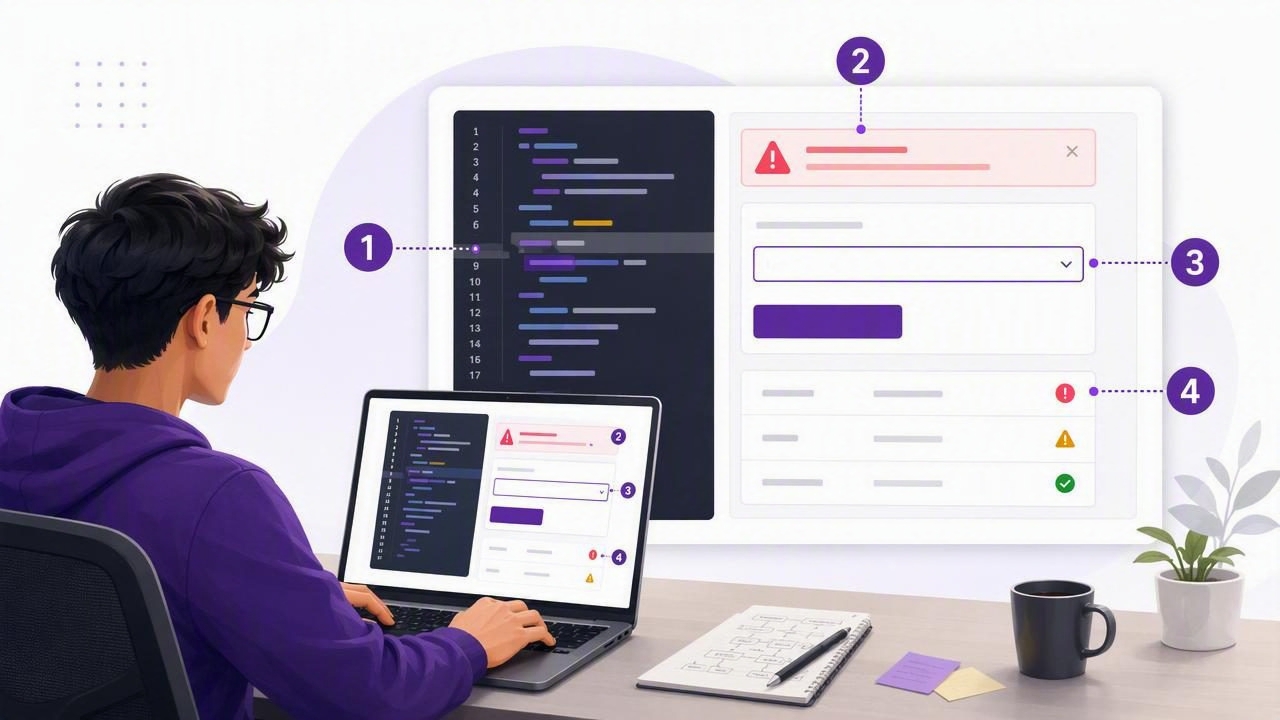
Learn how software developers can create clear numbered screenshots for bug reports, code reviews, QA, tutorials, and visual feedback.
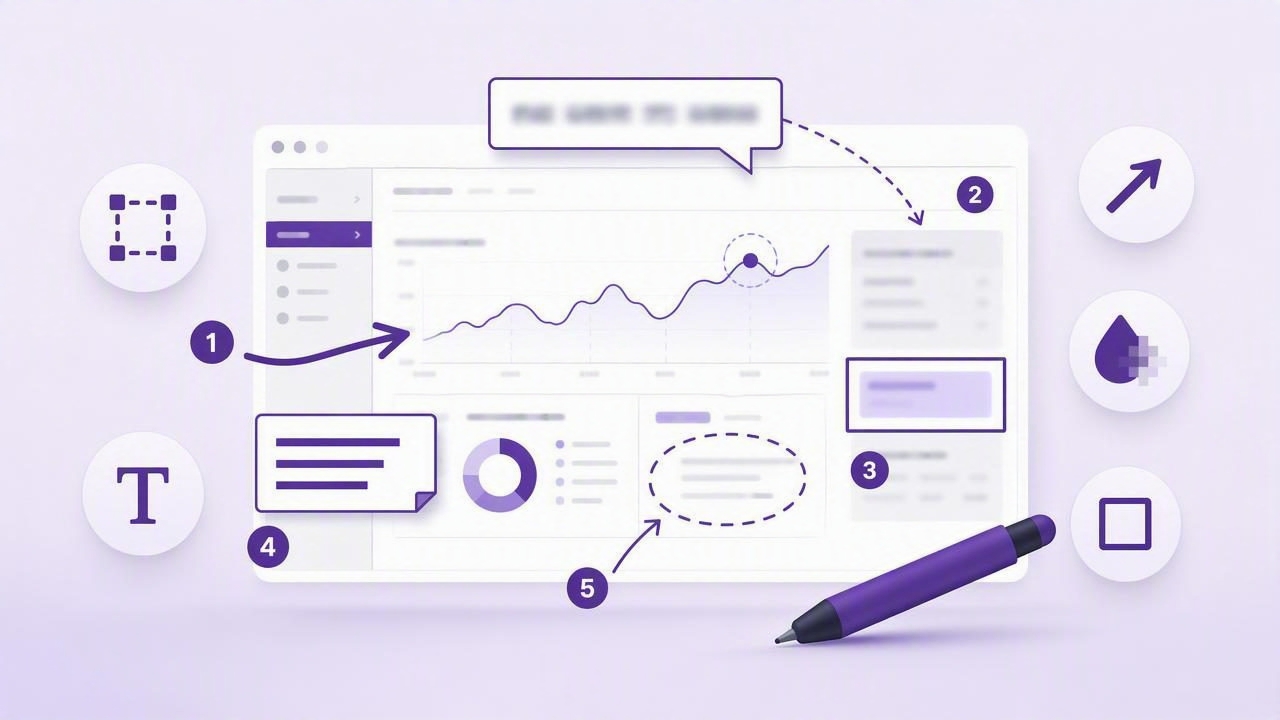
Learn how to get clearer visual communication with screenshot annotation tools using arrows, blur, text, shapes, and numbered steps.
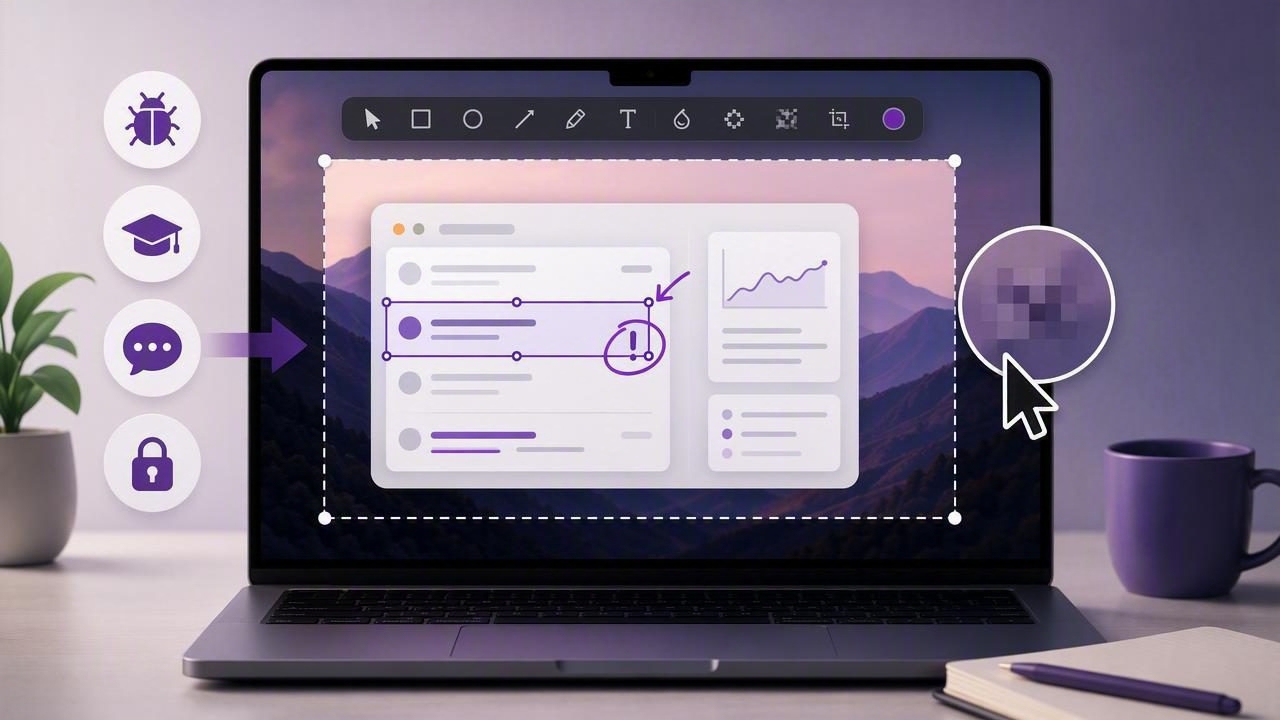
Learn how a region capture app with editable annotations before export improves bug reports, tutorials, feedback, and private Mac workflows.
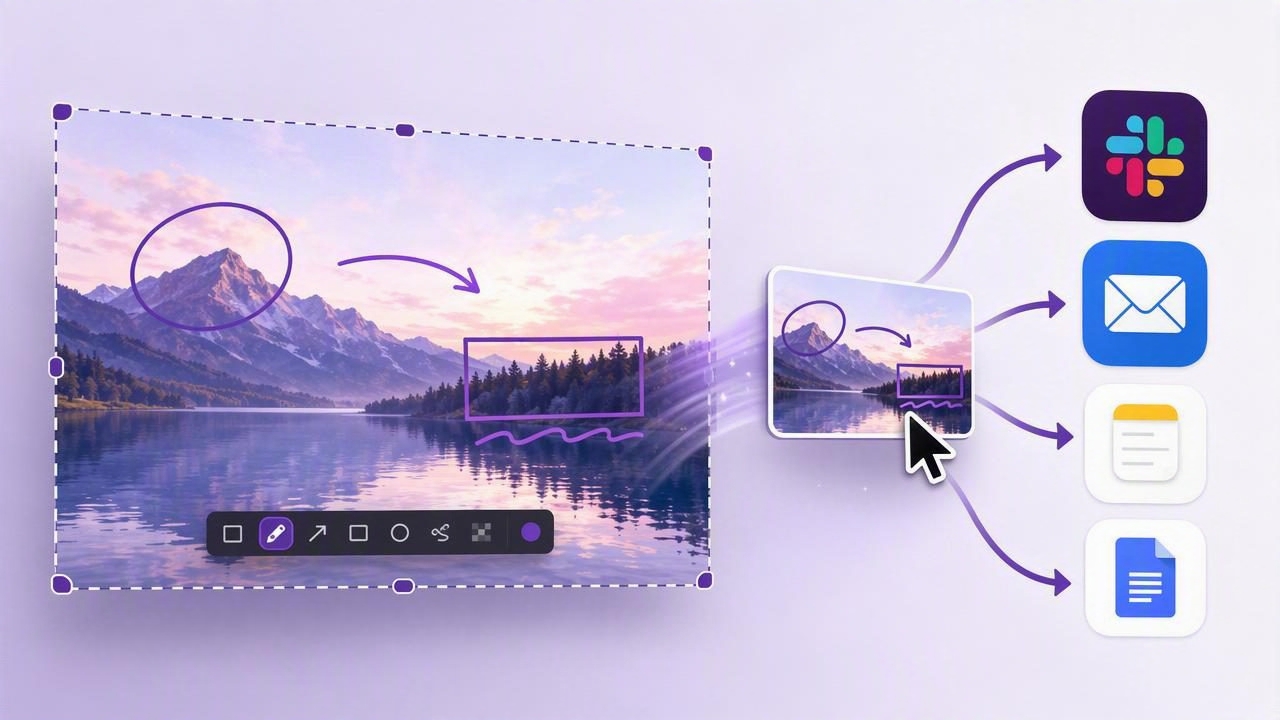
Learn how to drag annotated full-screen screenshots into Slack, email, docs, and more for faster visual communication on Mac.
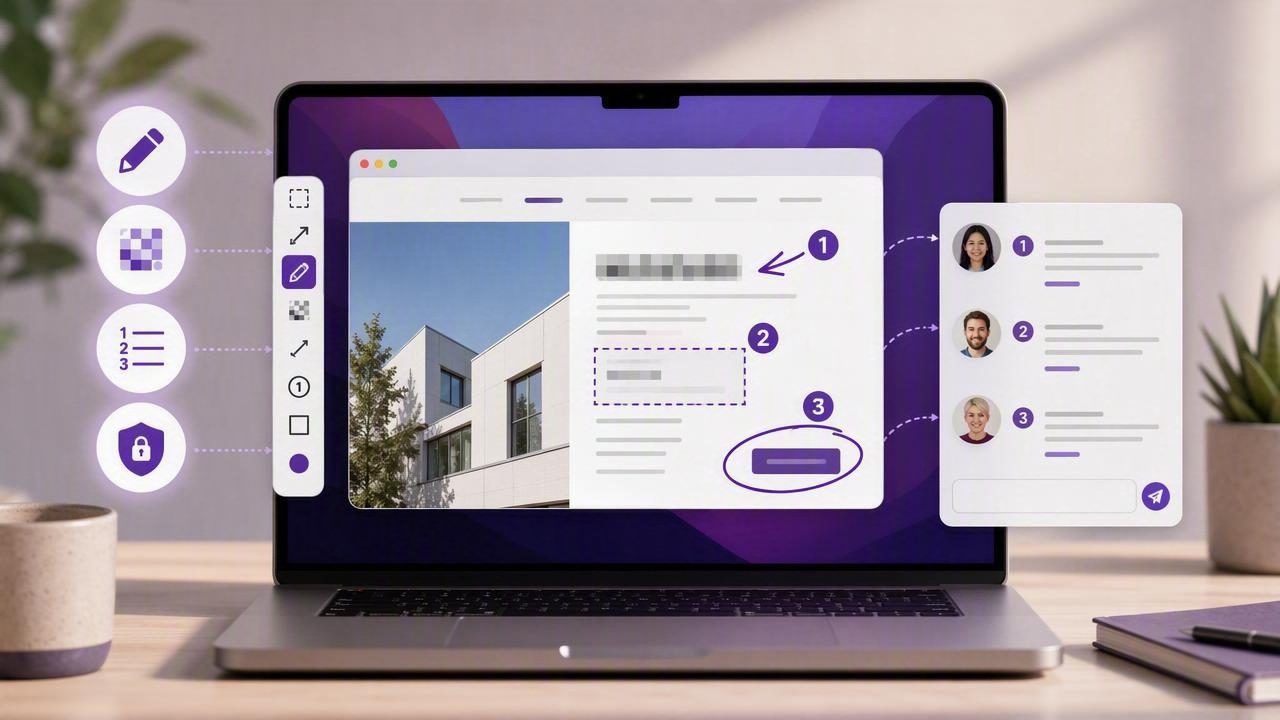
Learn how to choose the best Mac screenshot app to send clear visual client feedback with annotations, blur tools, numbered steps, and privacy.
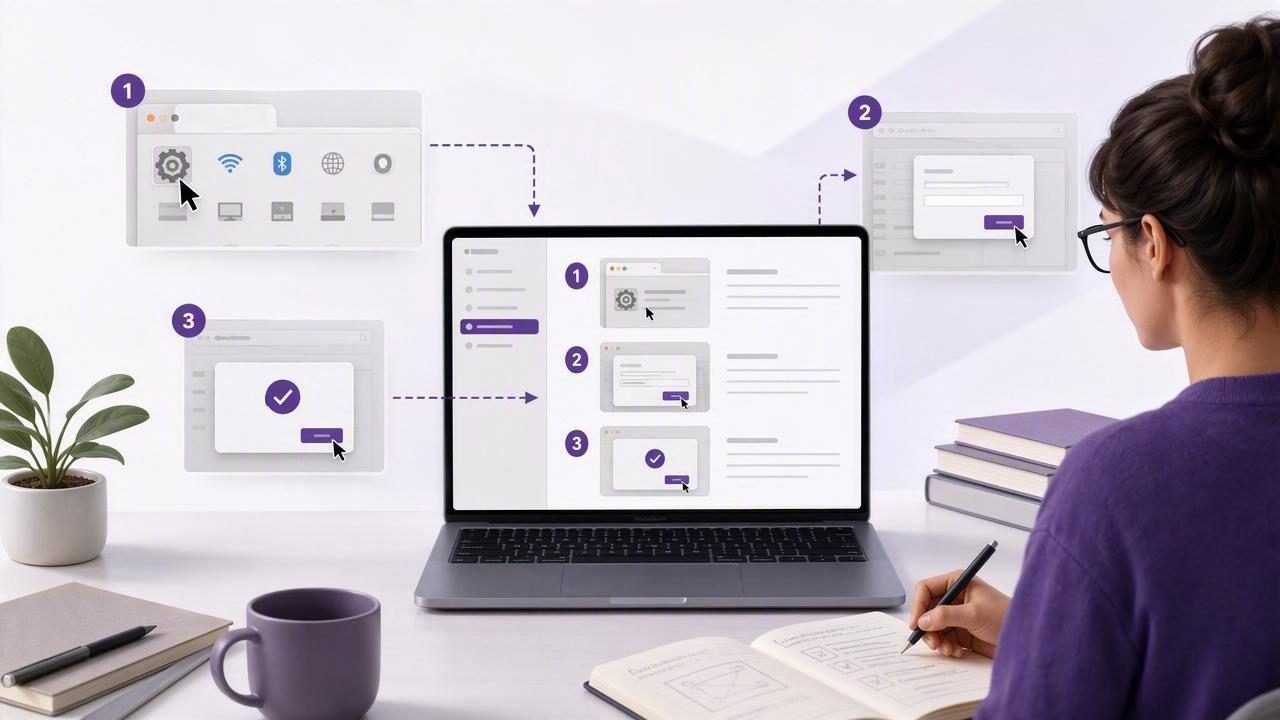
Learn how technical writers use numbered screenshots to create clearer tutorials, bug reports, and product documentation on Mac.
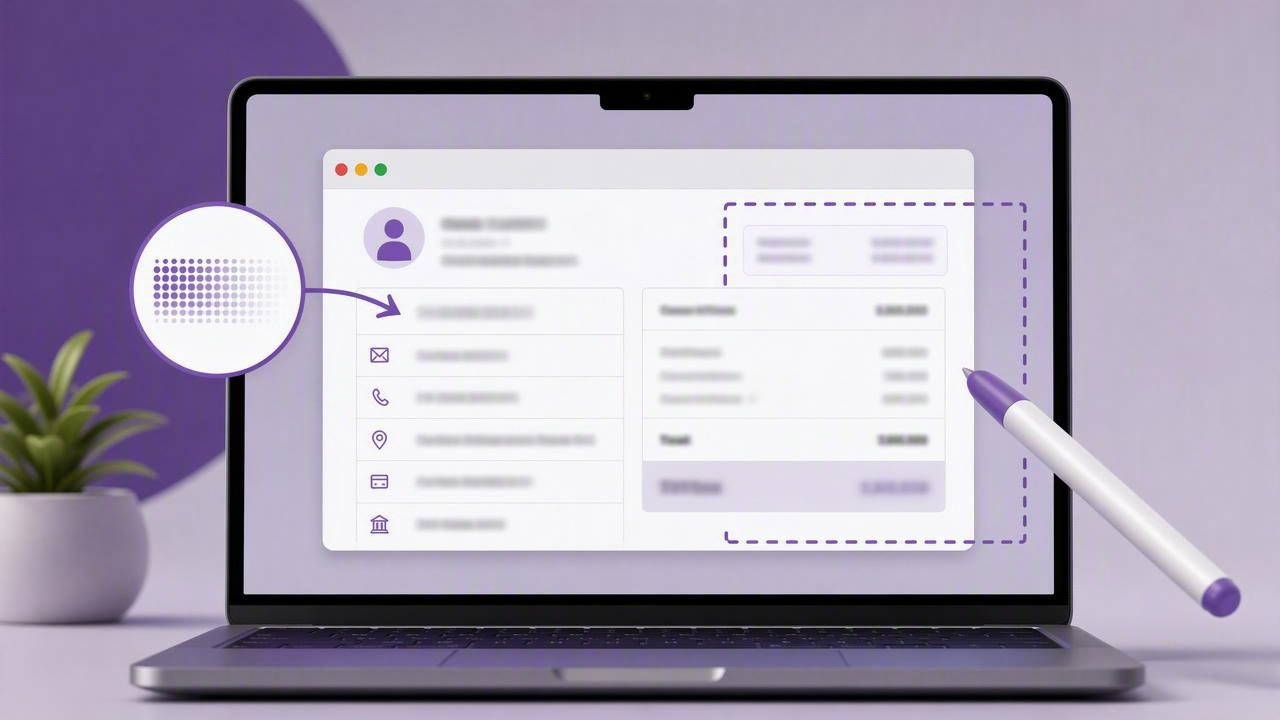
Learn how to blur sensitive information in screenshots on Mac, avoid privacy mistakes, and share annotated images safely.
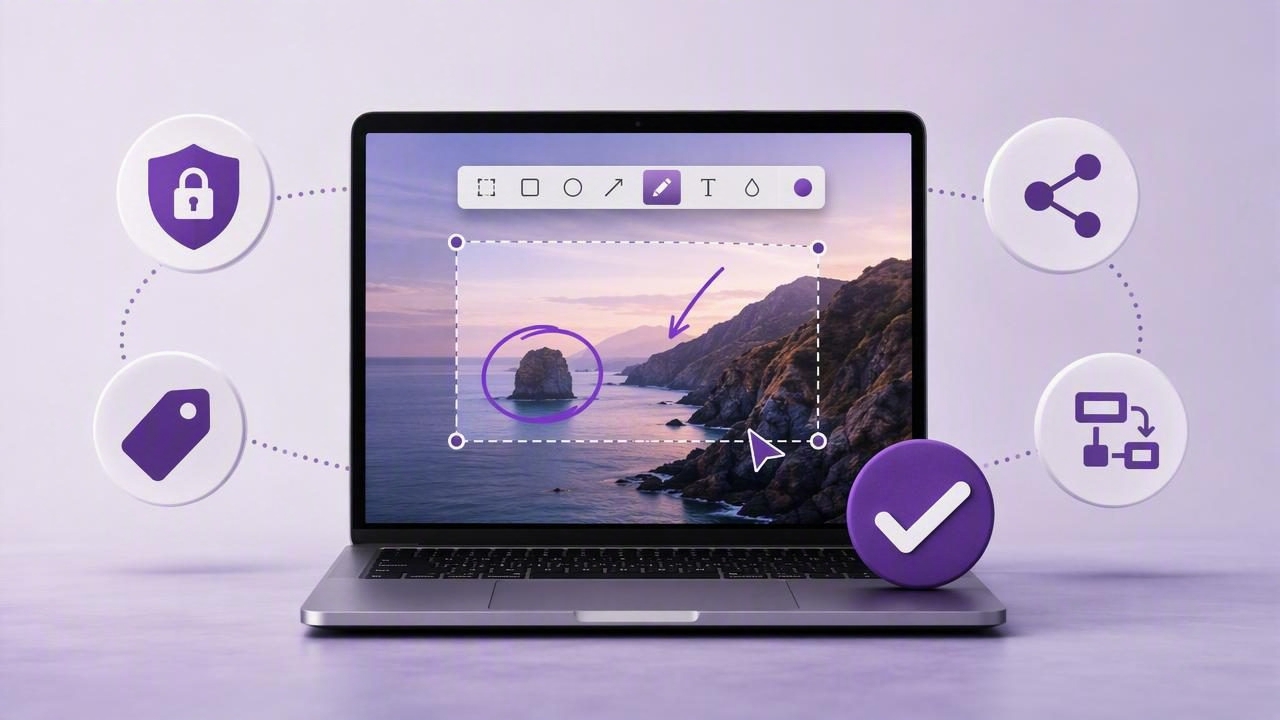
Learn how to choose a one time purchase screenshot app for Mac with annotation, privacy, sharing, and workflow features that matter.

Learn practical Mac screenshot app tips for beginners, including capture modes, annotations, privacy, sharing, and clearer visual feedback.

Avoid common numbered screenshot maker mistakes and create clearer tutorials, bug reports, onboarding guides, and visual feedback.
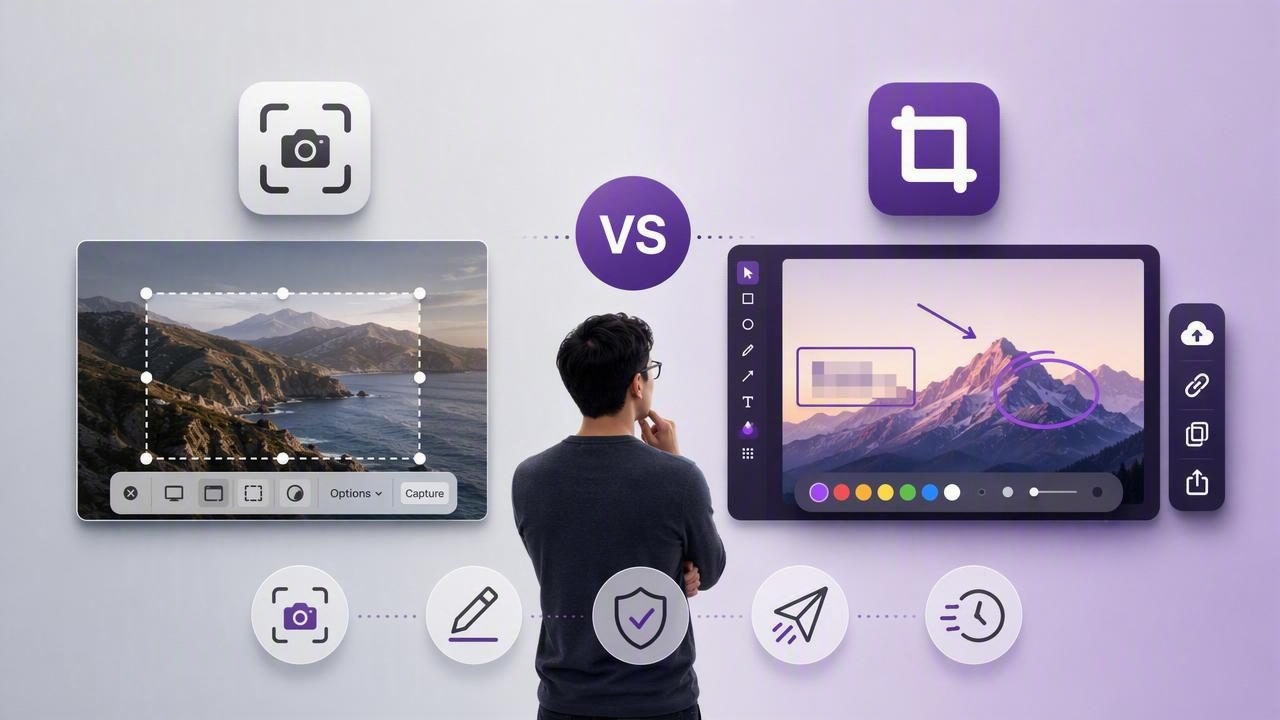
Compare a Mac screenshot app vs Shottr for capture, annotation, privacy, sharing, and fast visual communication workflows.

Use this practical checklist to capture a region of the screen on Mac, review it in a floating screenshot preview, and share clearer visuals.

Learn how to choose and use a screenshot annotation tool for clearer tutorials, visual feedback, bug reports, and social content.

Learn how to get clearer visual communication with a full screen capture tool using annotations, blur, step markers, and practical workflows.
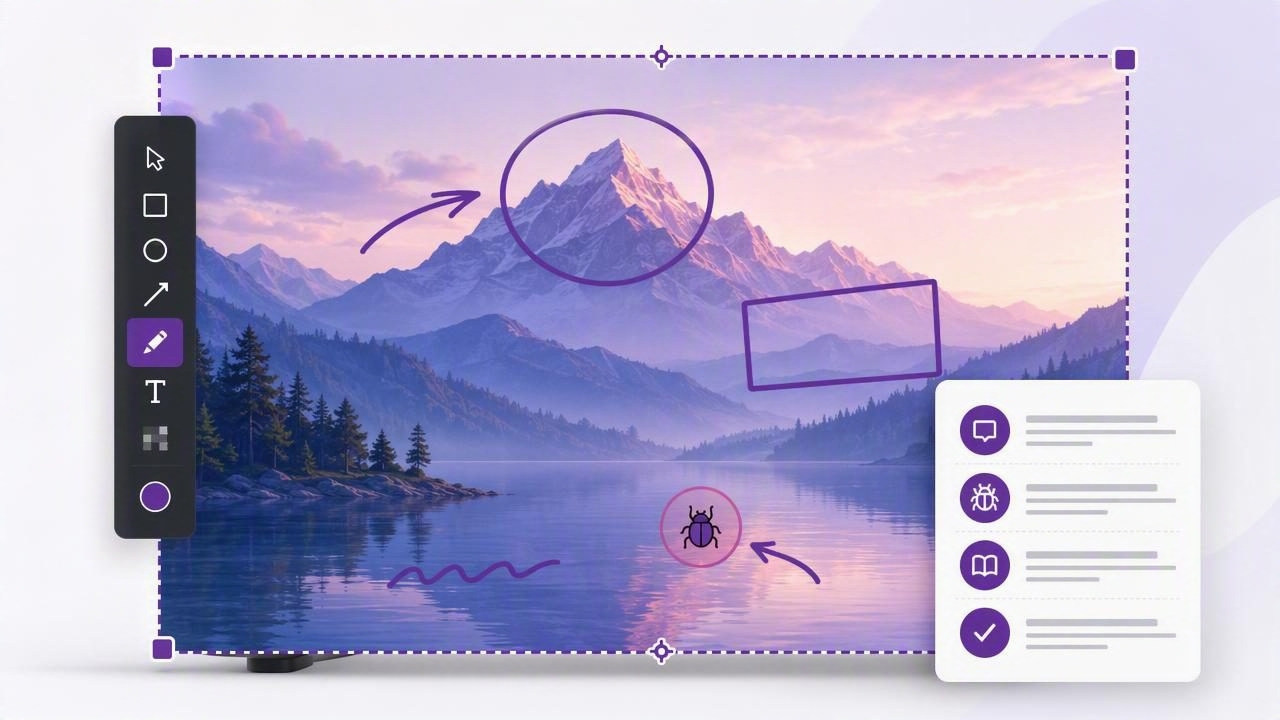
Learn how to use a full screen capture tool for clearer screenshot markup, faster feedback, bug reports, tutorials, and visual documentation.
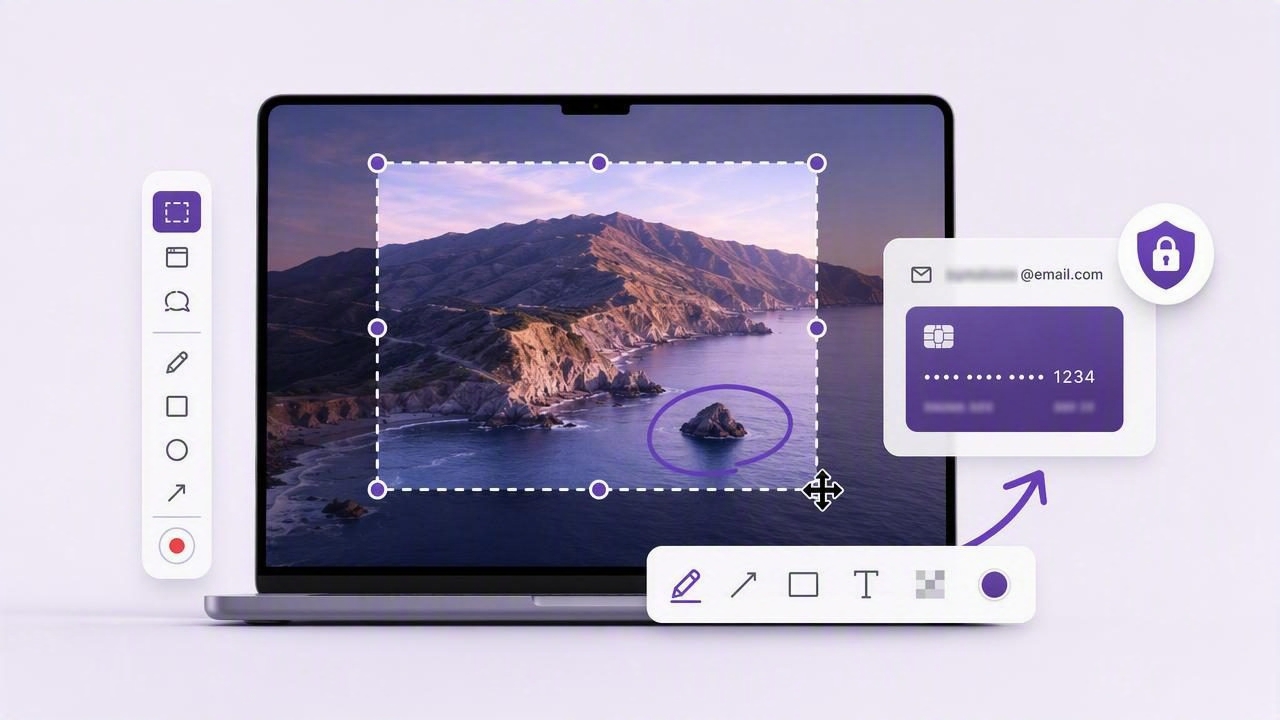
Learn how to capture a region of the screen on Mac, annotate it clearly, protect private details, and share screenshots faster.
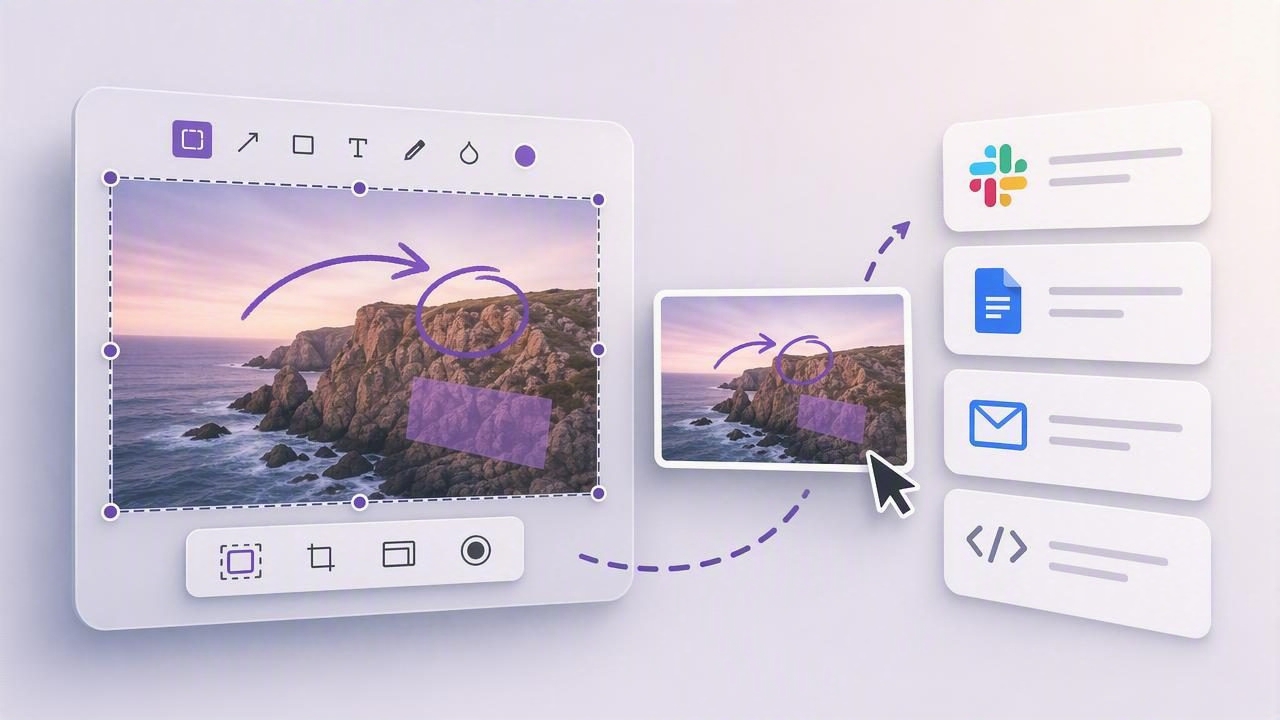
Learn what makes the best Mac screenshot app for dragging annotated screenshots into Slack, Docs, email, and bug reports.
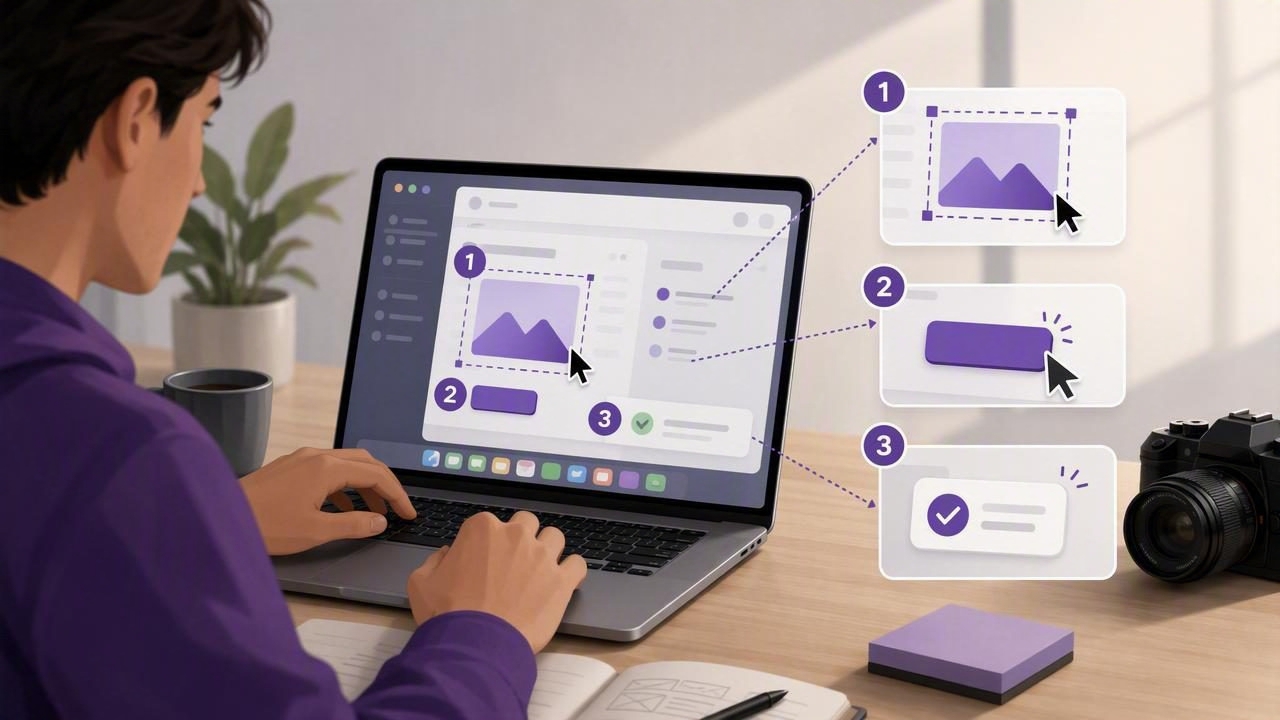
Learn how a numbered screenshot maker helps content creators build clearer tutorials, visual feedback, bug reports, and guides on Mac.
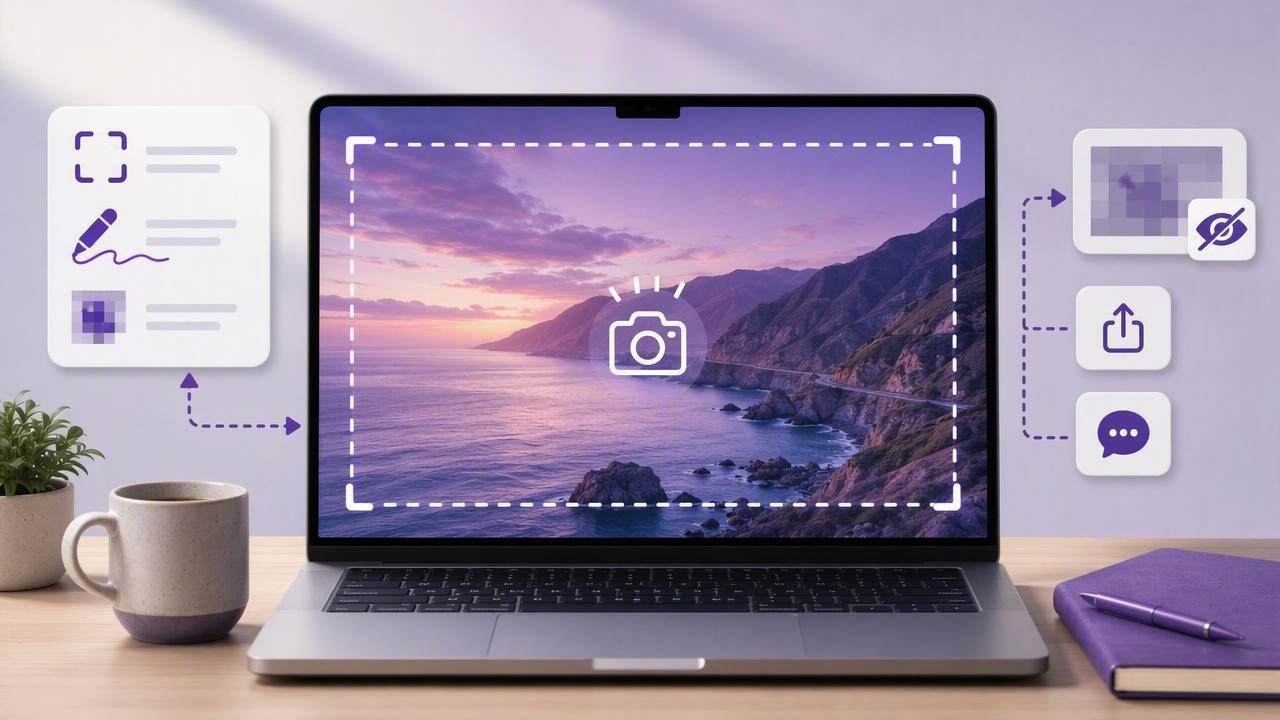
Learn how to capture the full display on Mac, save screenshots, add annotations, protect privacy, and share clear visual feedback.
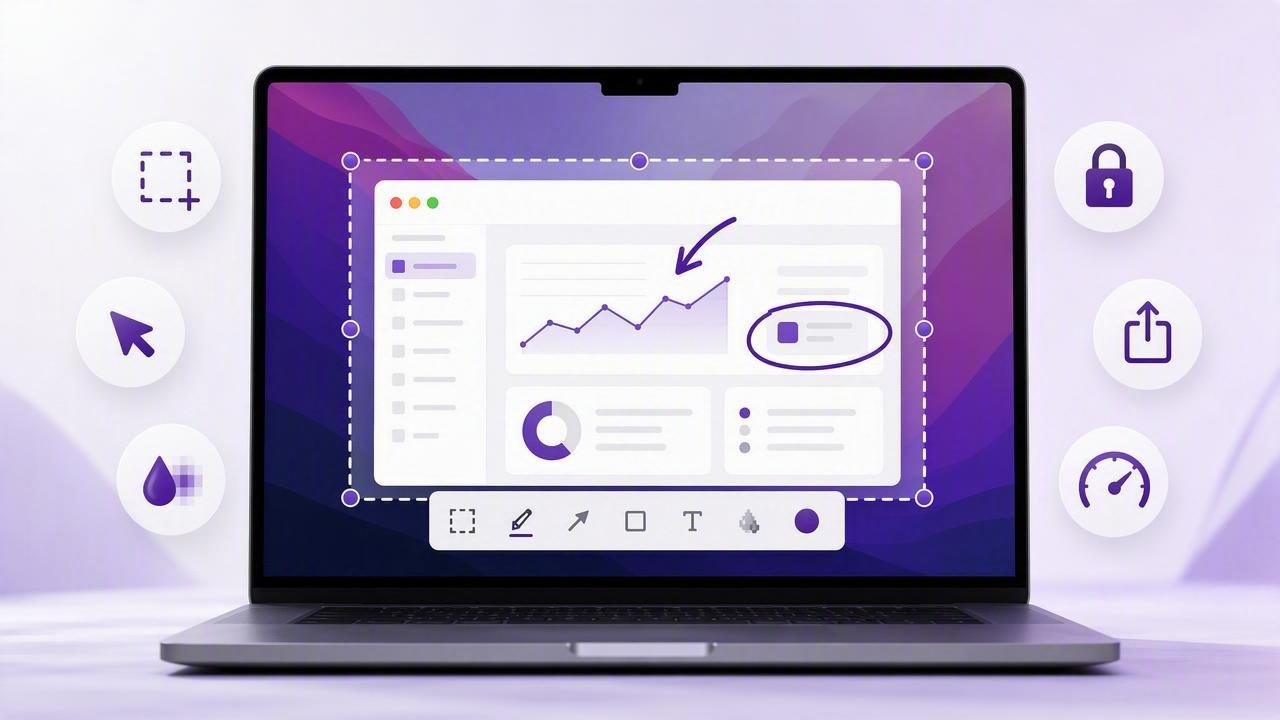
Learn what to look for in a Mac screenshot app with annotations, from blur and arrows to privacy, sharing, and workflow speed.